HOW TO PREPARE CLEAN NT8 FOR BOF INDICATORS
FREE SUPPORT ON A SIMPLE CONDITION:
BestOrderFlow (BOF) provides free support only if you have a "CLEAN" NinjaTrader platform installation.
A "Clean" NinjaTrader platform installation refers to:
- NT8 installation that is not installed over a previous version of NinjaTrader with other indicators
- NT8 is installed on the default and not the custom directory(s)
- Does not contain any previously installed third-party indicators.
1) Avoid unexpected charges ($129 per 30 minutes) for support by installing NT8 outside of its default intended directories or installing NT8 over the previous installation:
2) Do not install NT8 over a previous installation.
Installing newer or other versions of NT8 over a previous installation of NT8 is a common mistake. To consider NT8 as a Clean installation, it is a must to:
A) Uninstall NT8 with the Windows uninstaller.
B) Remove folders and all files manually from default directories:
- C:\Users\user\Documents\NinjaTrader 8
- C:\Program Files\NinjaTrader 8
- Delete both folders NinjaTrader 8 from C:\Program Files and C:\Users\user\Documents\
- C) Clean up the Windows Deleted Recycle Bin of all files and folders.
HOW TO MAKE A CLEAN NT8 INSTALLATION
1) Back up NT8L Tools/ Export/Backup File...
2) Move the folder Documents/NinjaTrader 8/ to a flash drive, and rename the folder to something like MyPrevious_NinjaTrader_8.
All your templates, files, workspaces, and scripts are stored in this folder. You can rename the folder in the future (if needed) to its original name.
3) Uninstall the existing NinjaTrader app via Windows > System> Apps> Uninstall.
4) Restart the Computer.
5) Please ensure that NinjaTrader is not installed on OneDrive, and you don't have a OneDrive folder after C://username/onedrive
6) Download a stable NinjaTrader version 8.1.6.3 or above.
7) Install the NinjaTrader Platform free of other third-party indicators.
8) Please ensure that NinjaTrader is not installed in the OneDrive directory.
9) Prepare licensing information:
- Log in to your account on Bestorderflow.com
- Enter the Machine ID on your account > Machine ID tab.
- Double-check you have entered your NinjaTrader Username correctly on the account.
10) Please complete all Pre-Requirements from section 2 before installing BOF indicators
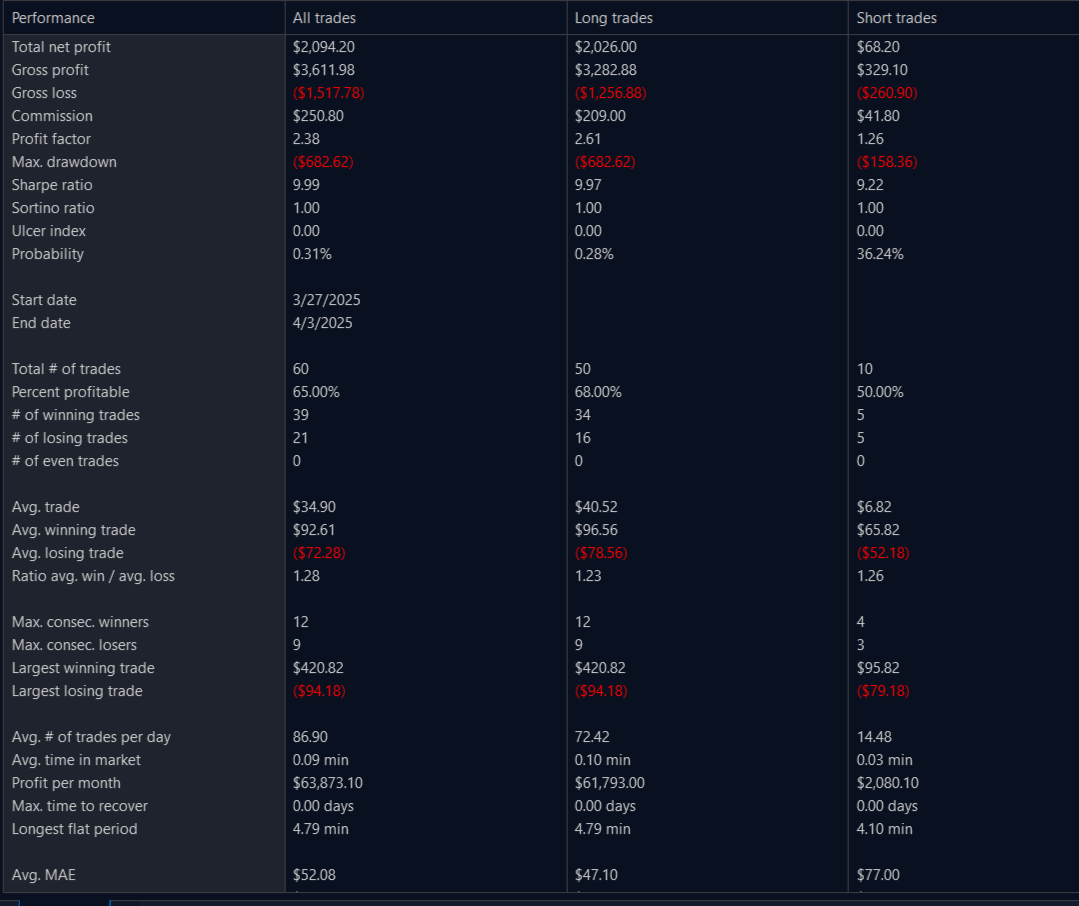
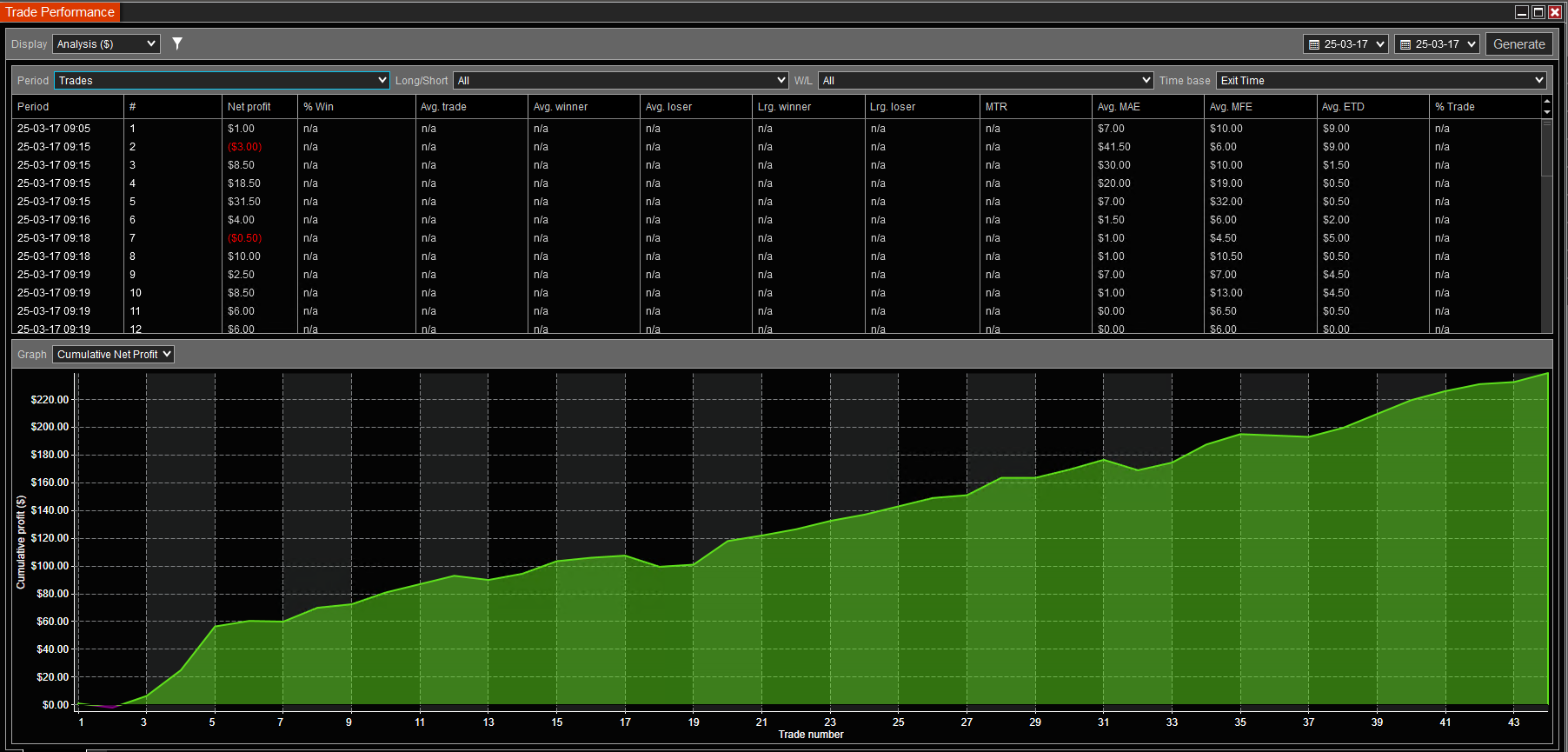
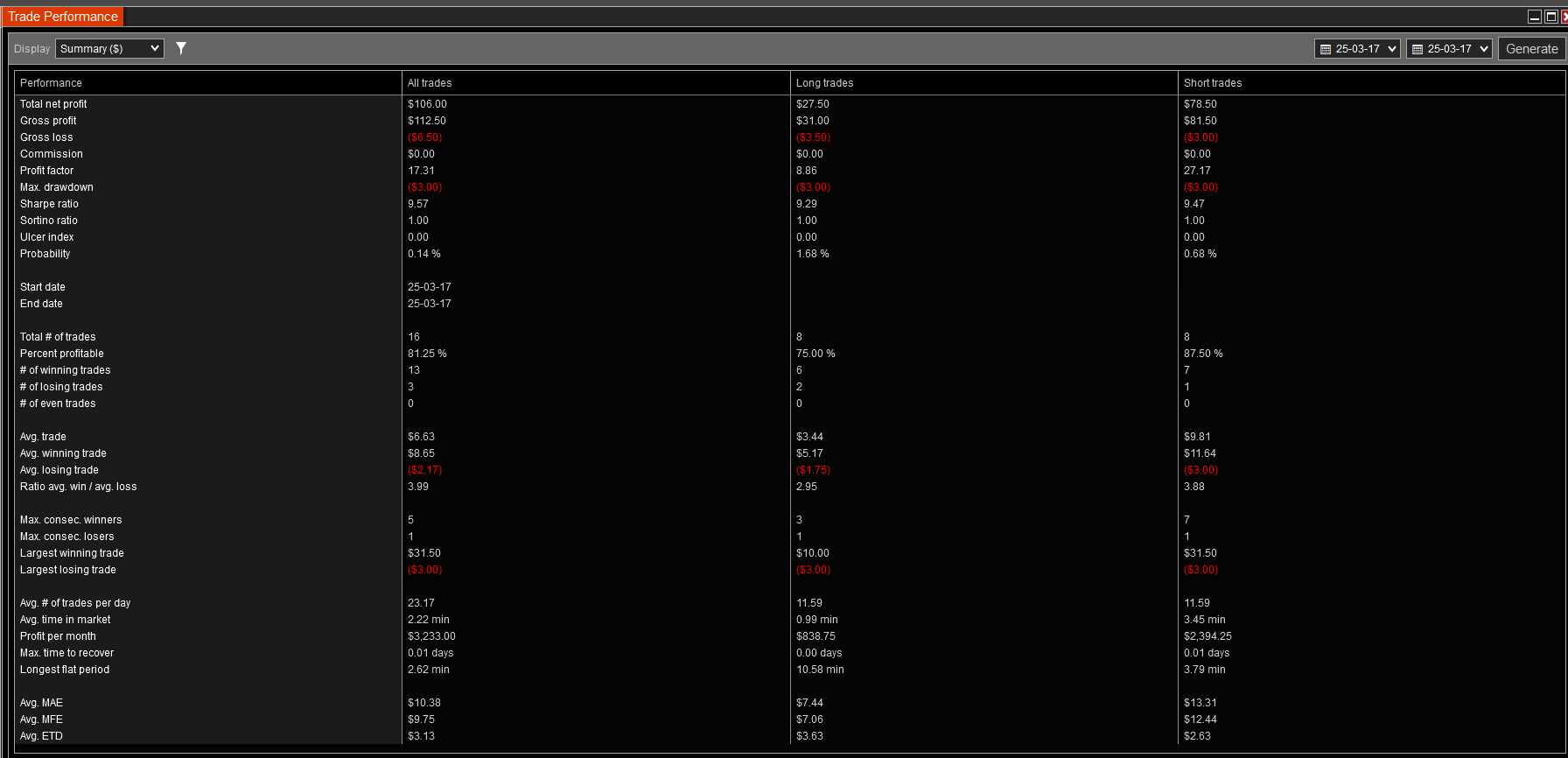
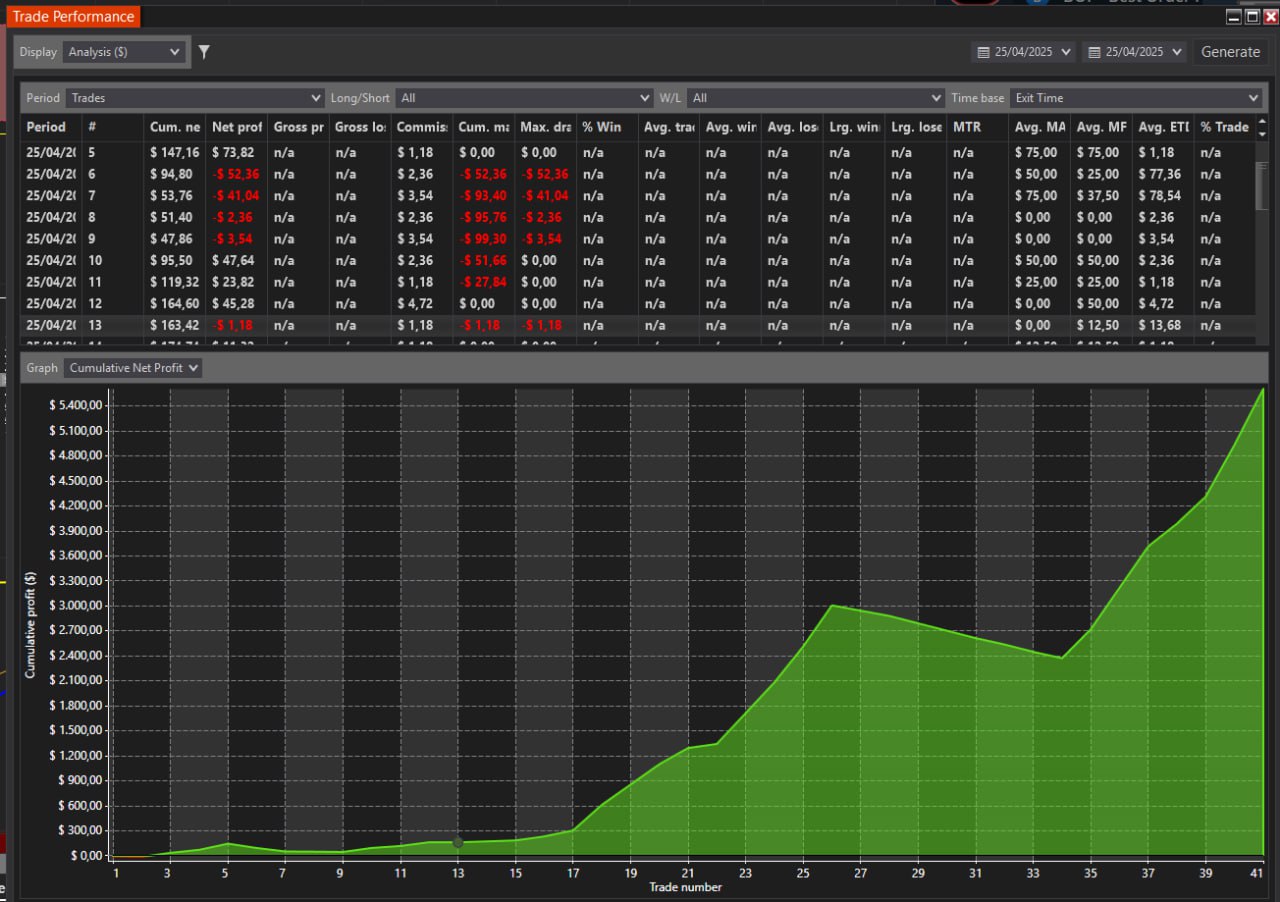
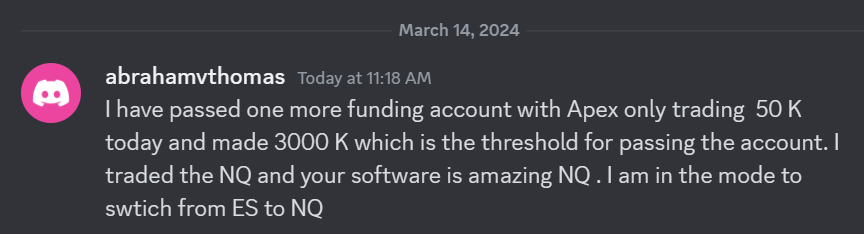 I have passed one more funding account with Apex Trading today and made $3,000, which is the threshold for passing the account. I traded NQ, and the Bestorderflow indicators are excellent for passing props.