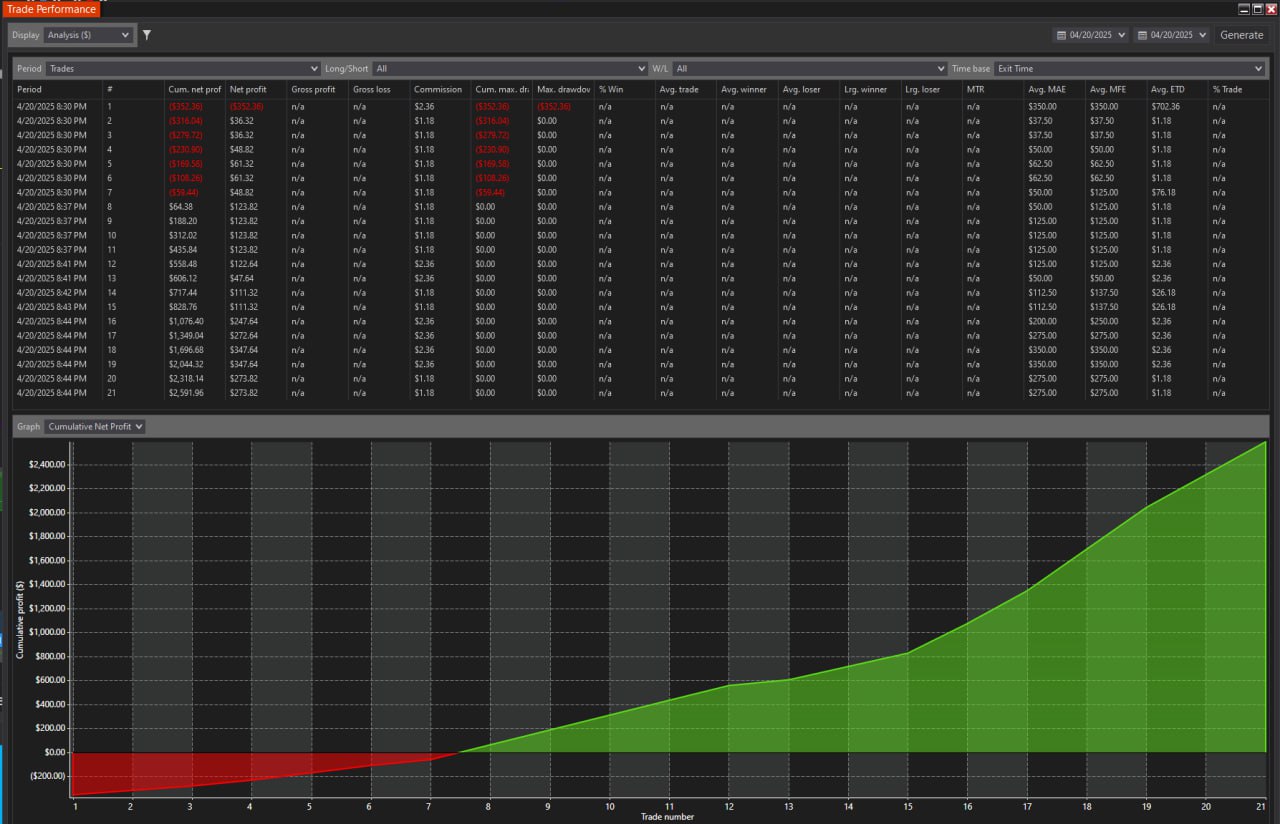
Difference between Big Trades and Smart Trades Indicators:
Our new Smart Trade indicator includes "Big Trades" with a substantial improvements.
- We improved Big Trades detection using MBO Data and Order IDs. We detect Single Big Trades more accurately than any other Big Trade indicator.
- We also detect High-Frequency Trades with incredible precision using order IDs. Any other Bing trades Indicators for NinjaTrader cannot accurately assemble Bing Trades because they don't use Order IDs for detection.
- Now you get true Big Trades - Smart Zones from the start to the end of the trade. Smart Trades Zones provide a significantly better display of support and resistance areas.
- To avoid confusion with the simple, primitive Big Trades Indicator developed many years ago, and to reflect significant improvements made by bestorderflow.com, our Big Trade Indicator is released under the name Smart Trade Indicator. There are no other Big trades indicators in the NinjaTrader ecosystem capable of using Order IDs data for such excellent precision and accuracy in detection.
Smart Trades Indicator
Difference between trades and orders:
What is Order
An order is an instruction to buy or sell. Orders are positioned by the time they arrive. An order is a request to trade.
What is Trade:
A trade is the completed execution of one Aggressive order with the next available Passive limit order.
All trades with the same order ID are grouped into a single Smart Trade
Example: You submitted an aggressive order for 50 lots. That large order was matched with first available buy passive limit 5 lots. This is one trade completed. 50 lot aggressive sell order completed with 5 trades.
Every order comes with an absolutely unique ID. Several trades may have the same ID.
Smart Trade definition:
Trades with the same ID are identified as part of one large order. The series of trades that belongs to the one order named Smart Trade.
What are the differences between indicators “Big Trade”, “Institutional Trade”, “Trade Detector”, and “Smart Trade"
Most indicators, such as “Big Trades,” “Trade Detector,” or “Institutional Trades,” show trades without unique identifiers. They can not discern the order’s ID, and understand relations between orders. They group trades only by order size and, without any meaningful logic, assign those trades to the same institution/participant. Each of those indicators has questionable logic or guesswork that goes beyond the true definition of what Big Trade really is.
But without an ID assigned to each trade, they have no certainty what trades belong to the same order.
The solution comes only from the ability to read IDs correctly and, based on the IDs, group them into a single order. No one on the NinjaTrader platform can read order IDs except BOF indicators from https://bestorderflow.com.
There are no other indicators on the NinjaTrader platform that can group trades by IDs, except https://BestOrderFlow.com, which is based on the MBO Engine (Market By Order Engine for NinjaTrader).
The Bestorderflow.com Smart trade indicator is the first-ever indicator to accurately show Smart trades.
Smart trades indicator is an evolution of the “Big Trades” indicators.
Download Smart Trades Indicator Manual  PDF
PDF
Smart Trades indicator:
- runs Level 1 data supplied by Rithmic and the BOF MBO engine connection,
- and uses IDs to show Smart Trades.
Smart Trade can be one or more large-sized orders placed as an urgent order or a hedge on the Aggressive side of Order Flow by a single participant
Smart Trade versus Smart Block Trades:
Smart Trade is a one-order or multiple orders performed with one or more trades with the same Order Id
Smart Block trades
Smart Block trades – a group of High Frequency trades with multiple order IDs performed during 10-20 milliseconds by the same institution
What is The Smart Zone:
The Smart Zone indicates the upper and lower limits within which trades complete all orders. The zone’s height is detected with accurate precision.
According to the data, some zones are taller and higher than others.
SMART TRADES PDF MANUAL
Download Smart Trades Indicator Manual PDF
Other related PDF manuals:
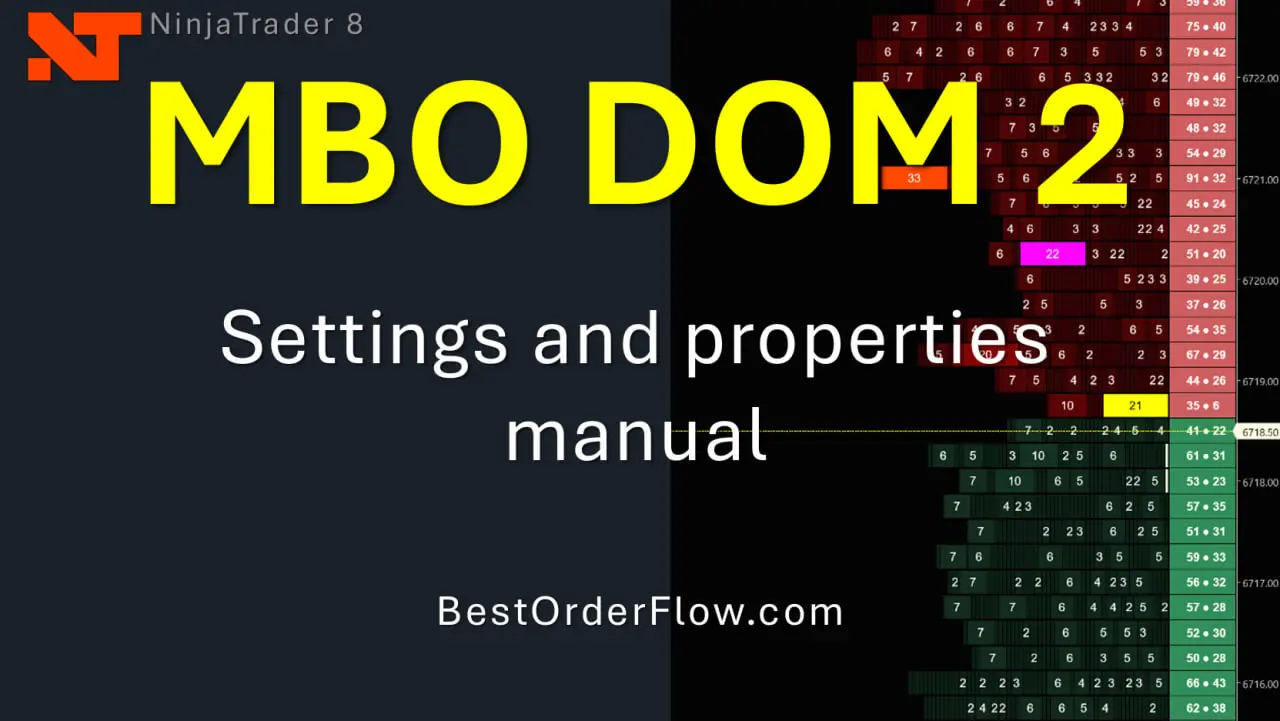
Download the MBO DOM Indicator Settings and Properties PDF Manual.
Download the ICEBERG Indicator Settings and Properties PDF Manual
Video: Watch MBO Market By Order indicator video explainer
Video: How to set up preferences for MBO Dom Market By Order indicator
4) Videos about Iceberg: https://www.youtube.com/watch?v=hQWwlDttYk8
https://youtu.be/hQWwlDttYk8
Must Watch Videos:
Video Collection of Tutorials, Live Trading, and Trading Systems Based on BestOrderflow Indicators
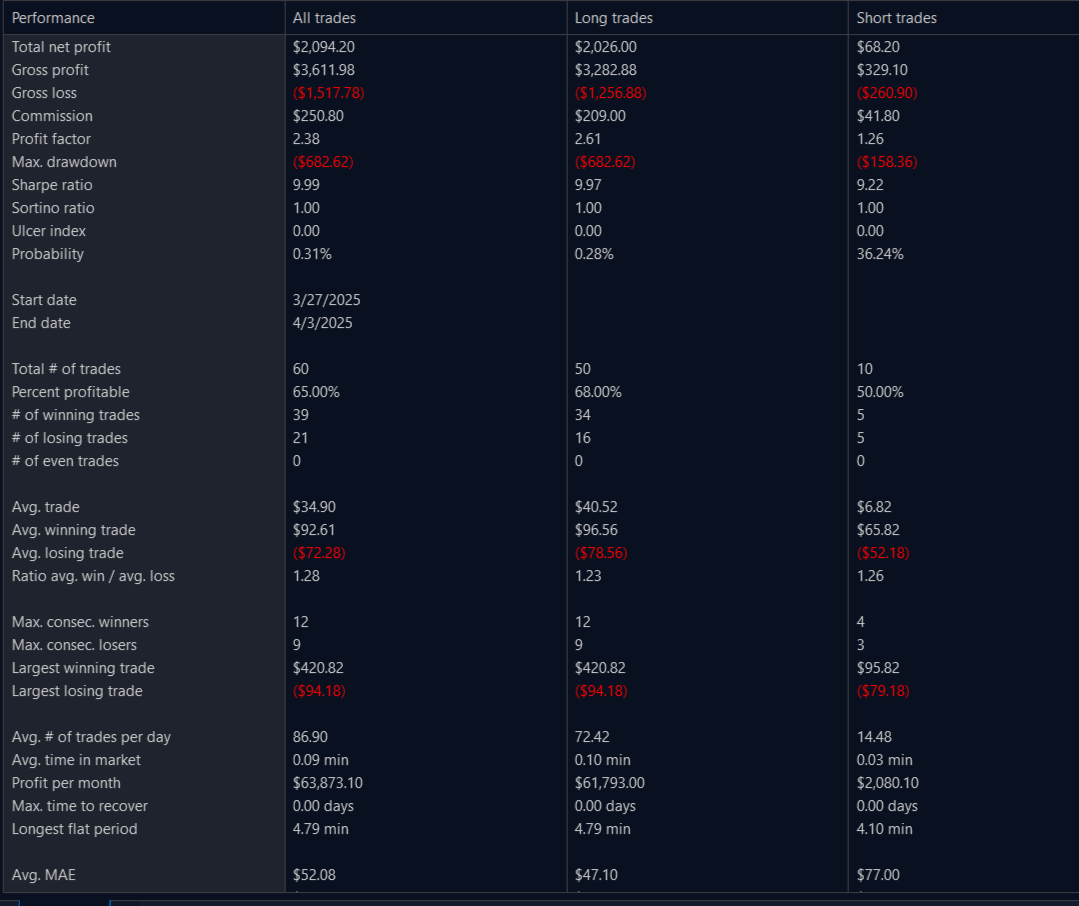
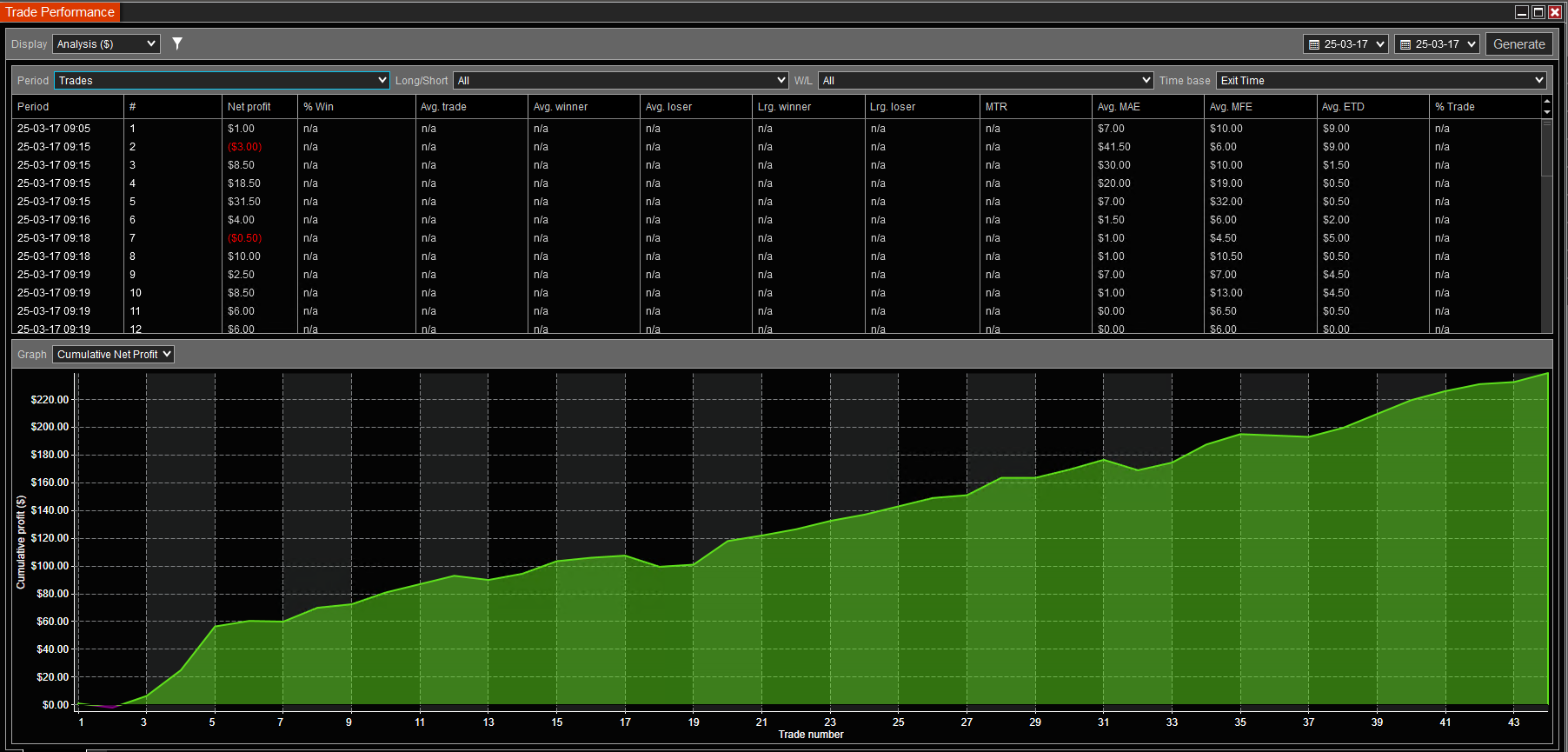
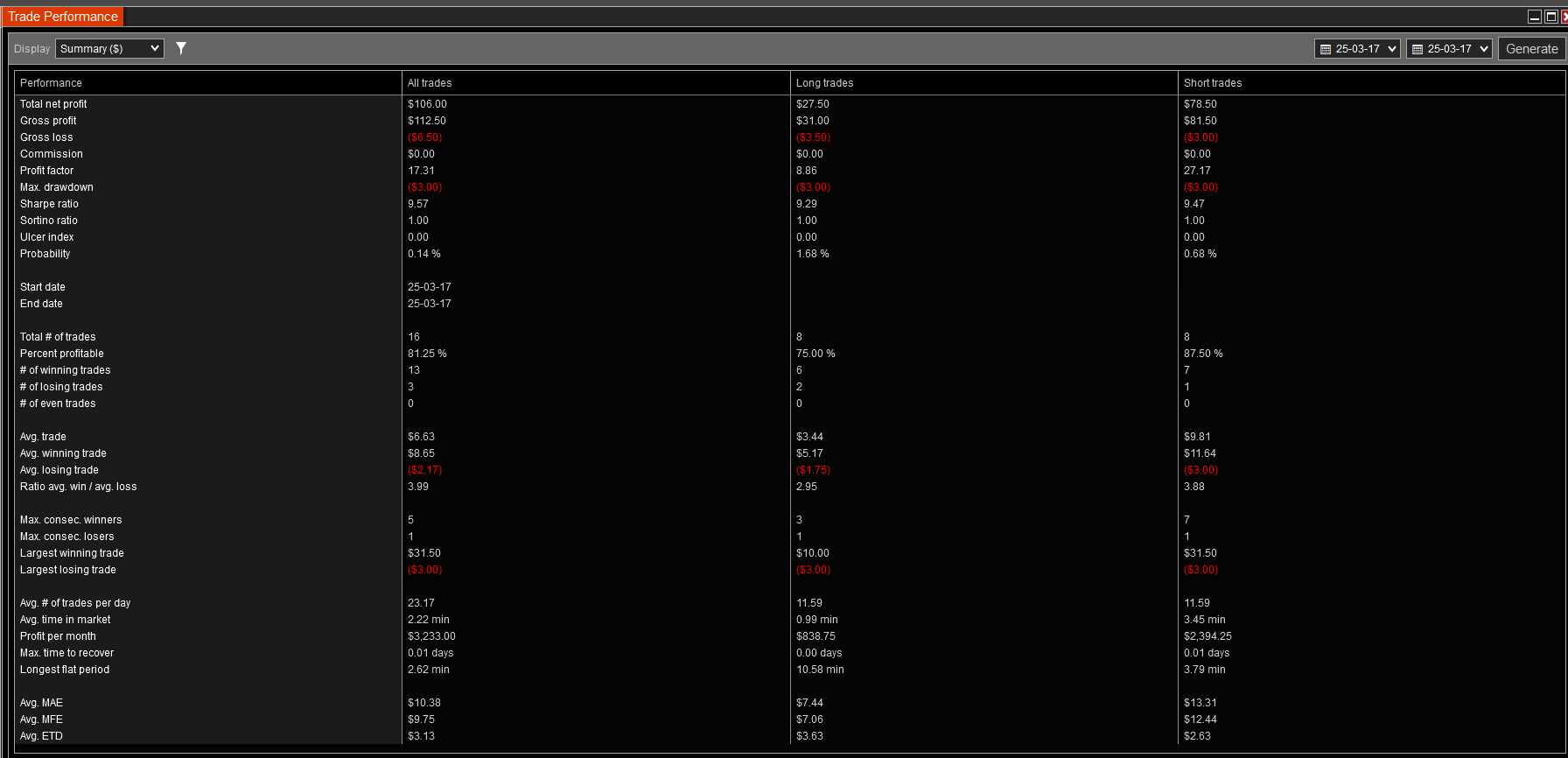
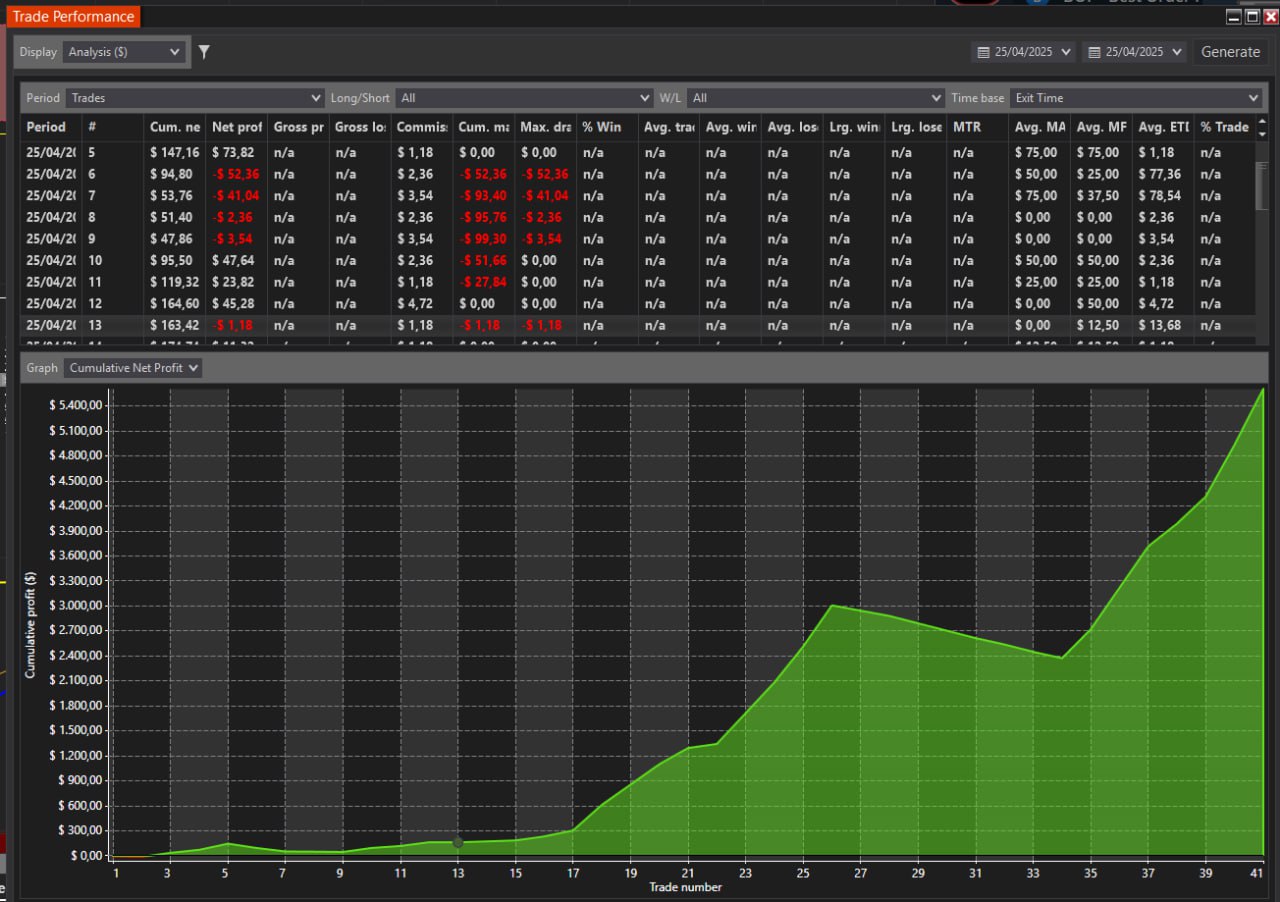
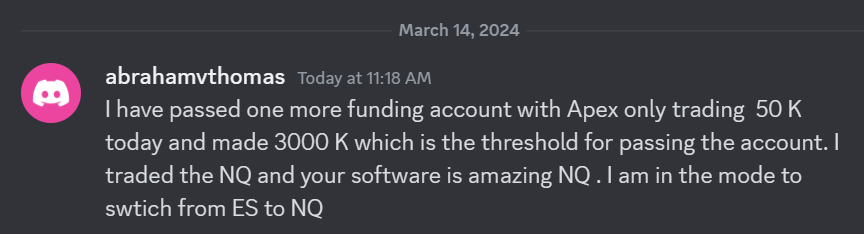 I have passed one more funding account with Apex Trading today and made $3,000, which is the threshold for passing the account. I traded NQ, and the Bestorderflow indicators are excellent for passing props.