FREE /PAID/UNEXPECTED FEE FOR SUPPORT
- Most people do not read instructions. We have created a paid support for such people. Reading and following our User Guide leads to fast, out-of-the-box BOF indicator installations, saving you and the BOF Admin time.
-
- Free support, gratitude - $20 or $50 is welcome
- Paid Support Level 1 - $129 per 30 minutes - without access to your computer
- Paid Support Level 2 - $250 per 30 minutes - with access to your computerFREE SUPPORT ON A SIMPLE CONDITION:
BestOrderFlow (BOF) provides free support only if you have a "CLEAN" NinjaTrader platform installation. A "Clean" NinjaTrader platform installation refers to:
- NT8 installation that is not installed over a previous version of NinjaTrader
- NT8 should be installed on the default and not the custom directory(s)
- NT8 should not contain any previously installed third-party indicators prior BOF indicators installation.
UNEXPECTED CHARGES FOR SUPPORT:
1) Avoid unexpected charges ($129 per 30 minutes) for support by installing NT8 outside of its default intended directories:
- Default directory C:\Users\user\Documents\NinjaTrader 8
- Default directory C:\Program Files\NinjaTrader 8
Installing NT8 in any other directory, drive, or folder may lead to incorrect NT8 performance and is not supported by the BOF Administrator. Any support can be denied if NT8 is not installed in the default folders.
Breaking this rule incurs a charge of $129 per 30 minutes of support, even if the customer was not aware of the charges beforehand.If the BOF Administrator spends time discovering directory modifications during free support, it does not exempt a customer from payment.
2) Avoid unexpected charges for support by installing NT8 over the previous NT8 installation or custom directories.
Installing newer or other versions of NT8 over a previous installation of NT8 is a common mistake. To consider NT8 as a Clean installation, please follow the steps:
A) Uninstall NT8 with the Windows uninstaller.
B) Remove folders and all files manually from default directories:- C:\Users\user\Documents\NinjaTrader 8
- C:\Program Files\NinjaTrader 8
- Delete both folders NinjaTrader 8 from C:\Program Files and C:\Users\user\Documents\
- C) Clean up the Windows Deleted Recycle Bin of all files and folders.
-
PAID SUPPORT CONDITIONS:
You decide to install BOF indicators on the NinjaTrader platform, including third-party indicators from other developers. Your NT8 installation is not clean of other installed indicators.
In that case, you should be responsible for spending your own extra time to install the BOF indicators on the properly installed NT8 platform.You must
- Read every single article in this User Guide in order
- Remove duplicate files yourself,
- Be ready to fix any errors on the Error list if they happen.
- Go over the Troubleshooting Checklist to resolve any problems and errors
- Get ready for support by following the Preparation Steps for Support
PAID SUPPORT LEVEL 1:
If you followed all our instructions and are not able to solve errors or problems during installation on the platform with other indicators and scripts, please request Paid Support level 1 for $129
PAID SUPPORT LEVEL 2
You can elevate Support to Level 2 ($250) to handle complex errors with access to your computer by our technicians.
To qualify for FREE Support follow the steps for CLEAN NT8 installation
-
SUPPORT CHANEL:
Support provided only with Direct messaging with BOF Admon on the Discord here: Discord: https://discord.gg/2CJAuQ87GYPlease do not use Telegram for support.
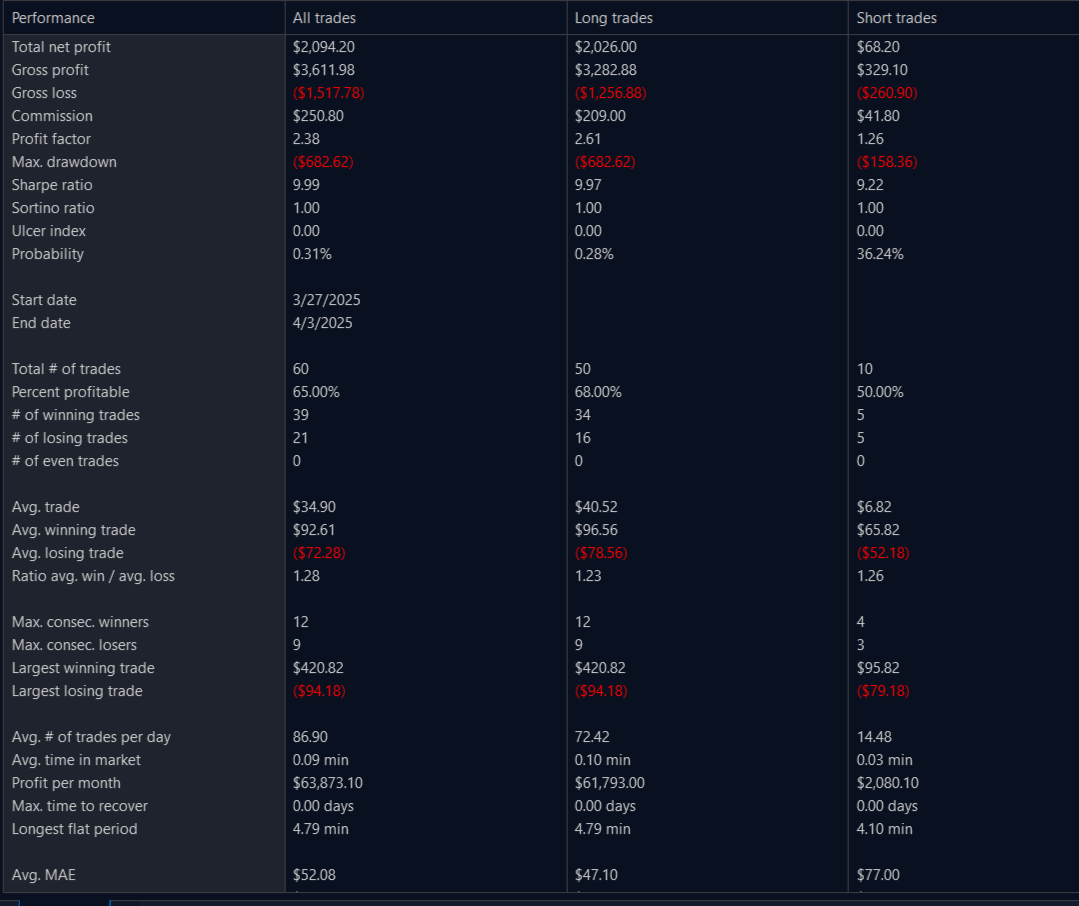
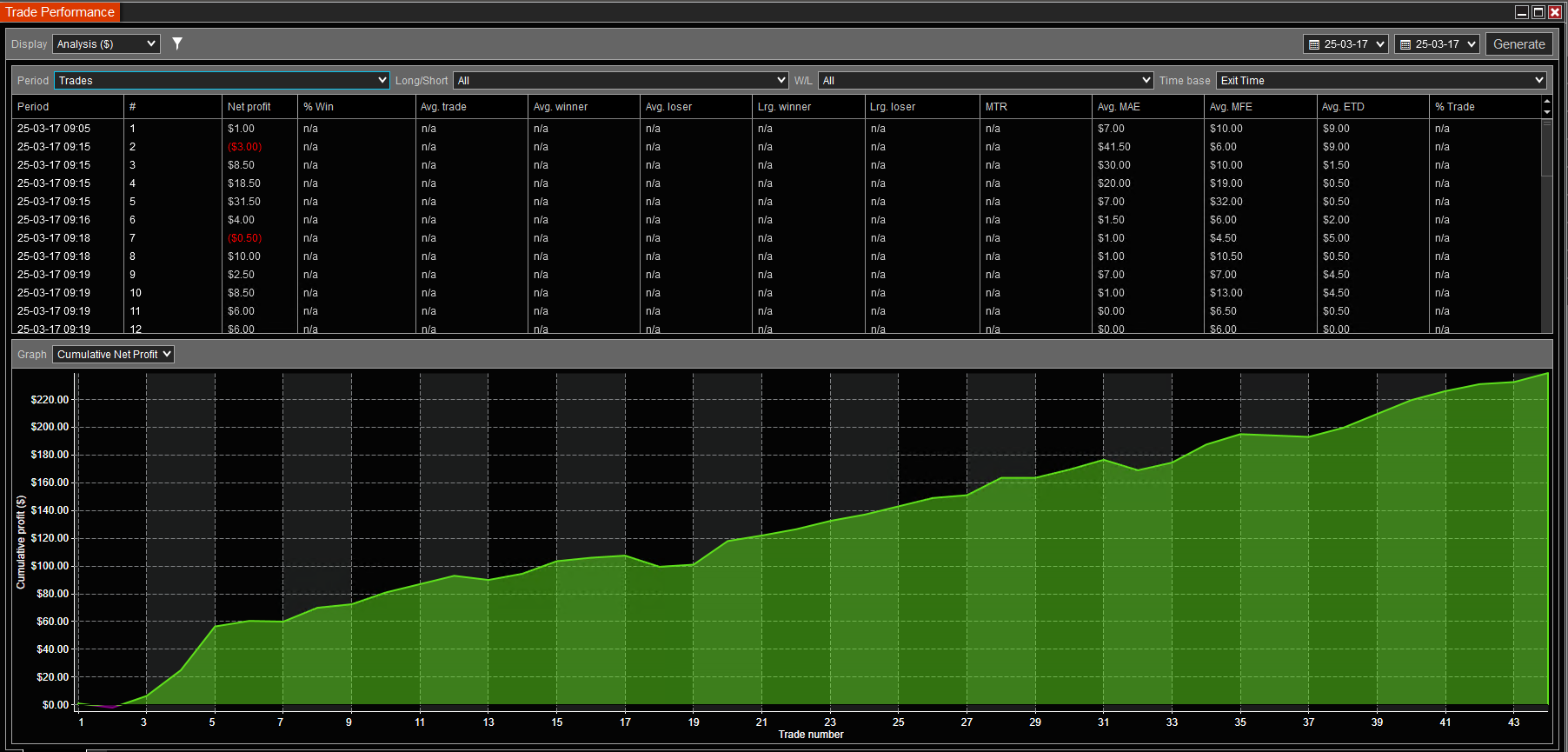
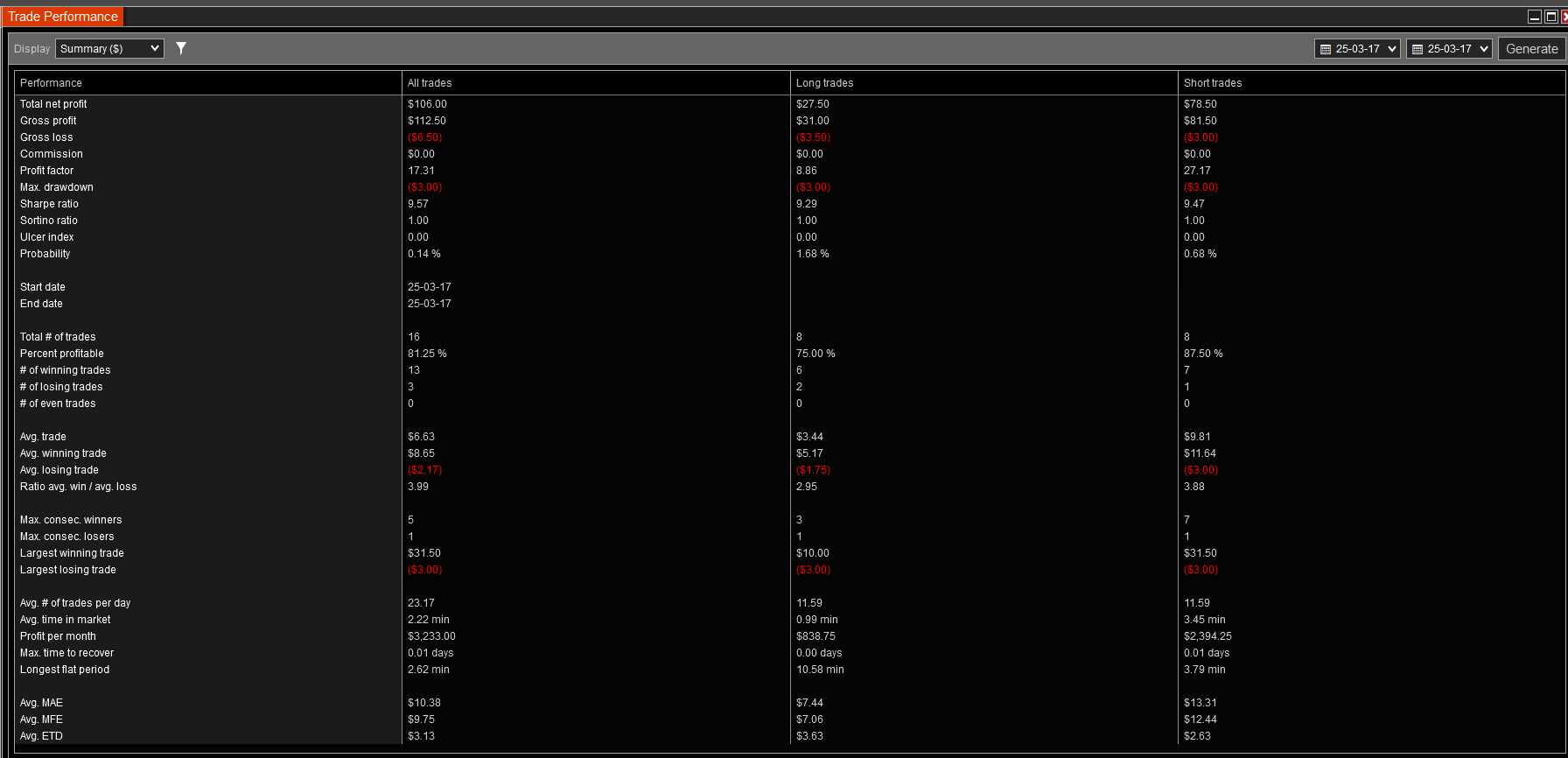
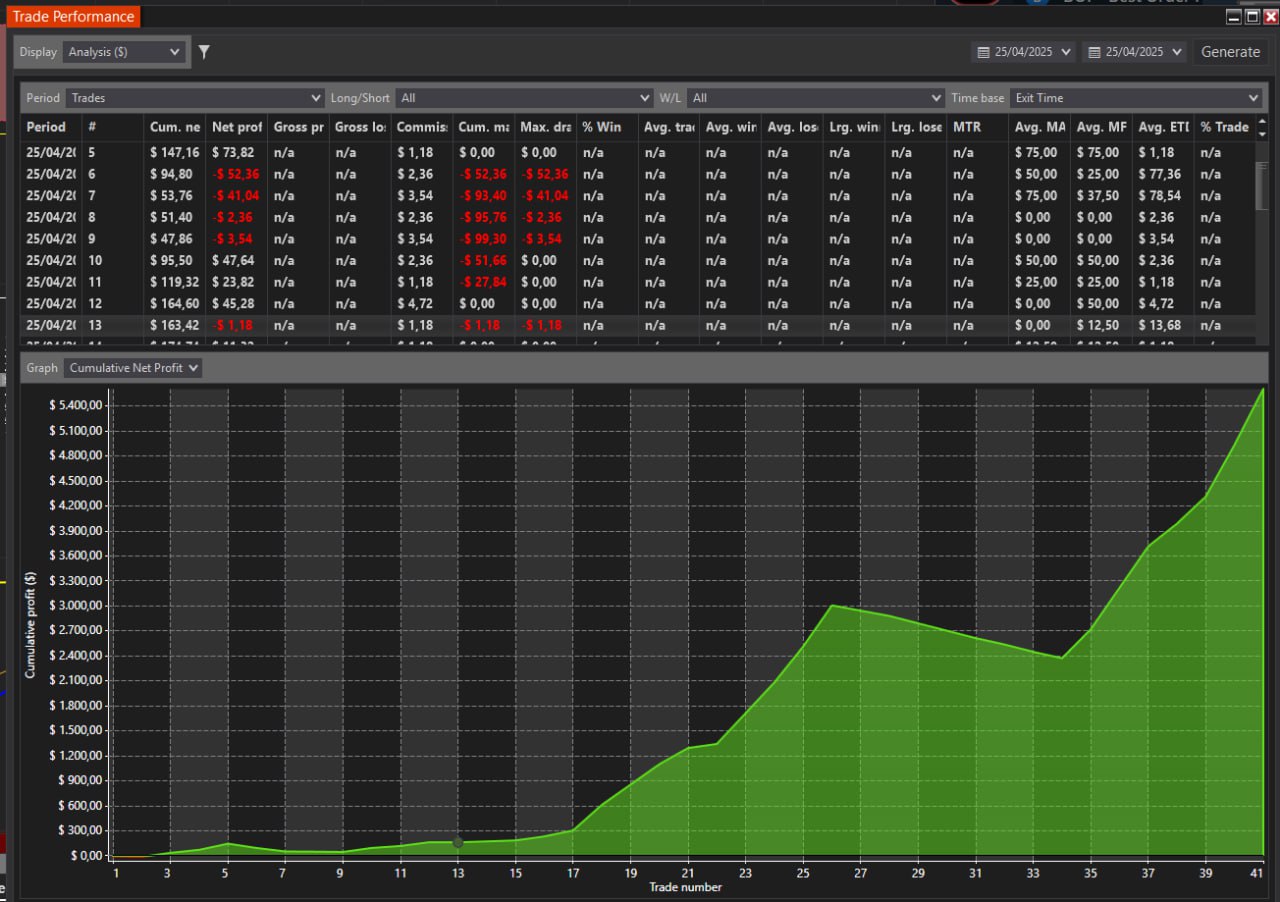
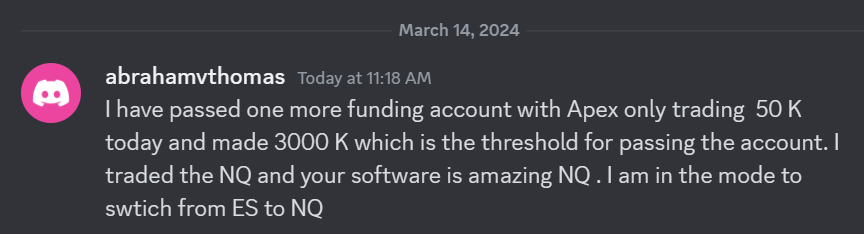 I have passed one more funding account with Apex Trading today and made $3,000, which is the threshold for passing the account. I traded NQ, and the Bestorderflow indicators are excellent for passing props.