REASONS FOR PAID SUPPORT:
We added paid support based on the following reasons:
The BOF indicator can be installed quickly and easily on a completely new and clean NinjaTrader platform installation.
The installation of the previously used NinjaTrader platform, which included other indicators, scripts, and custom settings, created numerous possibilities for errors and issues with these components.
In this case, we have plenty of factors that we can not control:
- We can not control the quality and reliability of scripts and indicators from other developers
- We can not control your level of experience in maintaining and tuning the NinjaTrader Platform. There is an unlimited number of scripts from other third-party developers on the NinjaTrader ecosystem.
- There is an unlimited number of indicators that are infected and corrupted from questionable sources.
- We can not control the quality and standards of other third-party indicators installed.
- Some traders may set up their NinjaTrader Platform incorrectly without knowing about it.
Some indicators and scripts from other sources may create an unstable environment, which is preventing the NinjaTrader platform from operating correctly. In such scenarios, we cannot guarantee the perfect installation and operation of BOF indicators. We cannot take responsibility for any other indicators or incorrect setups.
- BOF's responsibility extended only to the indicators we create and release.
- We provide support for BOF indicators only.
- Please request support for other indicators from their support team.
BOF indicators work "out of the box" on a CLEAN NinjaTrader.
To ensure confidence in the performance of BOF indicators, please install them only on a clean NinjaTrader 8, free from other previously installed indicators and scripts. Experience BOF indicators' performance out of the box and as intended.
Otherwise, you have to take responsibility for other indicators and handle matters yourself.
Installing on a CLEAN NinjaTrader platform, free from any other third-party indicators, helps you experience clean and error-free BOF indicator performance. You will enjoy the speed and quality of BOF indicators firsthand.
Indicators from other third-party vendors can be installed after BOF indicators. If the installation of other indicators produces any errors, you can contact the manufacturer to address the issues and receive support from them, rather than wasting BOF Administrator time.
For Free support and easy BOF indicators installation, please follow our recommendations on How to Prepare CLEAN NinjaTrader.
PAID SUPPORT CONDITIONS:
You decide to install BOF indicators on the NinjaTrader platform, which include other third-party indicators from third-party developers. Your NT8 installation is not clean of other installed indicators or installed in a custom directory.
In that case, you should be responsible for spending extra time correctly installing the BOF indicators.
- Read every single article in this User Guide in order
- Remove duplicate files yourself,
- Be ready to fix any errors on the Error list if they happen.
- Go over the Troubleshooting Checklist to resolve any problems and errors
- Get ready for support by following the Preparation Steps for Support
PAID SUPPORT LEVEL 1:PAID SUPPORT LEVEL 2
To qualify for FREE Support, follow the steps for CLEAN NT8 installation
- You can elevate Support to Level 2 ($250) to handle complex errors and give our technicians access to your computer.
- If you followed all our instructions and are not able to solve errors or problems during installation on the platform with other indicators and scripts, please request Paid Support level 1 for $129
Reminder: To qualify for FREE Support folow steps for CLEAN NT8 installation
UNEXPECTED CHARGES FOR SUPPORT:
1) Avoid unexpected charges ($129 per 30 minutes) for support by installing NT8 outside of its default intended directories:
- Default directory C:\Users\user\Documents\NinjaTrader 8
- Default directory C:\Program Files\NinjaTrader 8
Installing NT8 in any other directory, drive, or folder may lead to incorrect NT8 performance and is not supported by the BOF Administrator. Any support can be denied if NT8 is not installed in the default folders.
Breaking this rule incurs a charge of $129 per 30 minutes of support, even if the customer was not aware of the charges beforehand. If the BOF Administrator spends time discovering directory modifications during free support, it does not exempt a customer from payment. Installing newer or other versions of NT8 over a previous installation of NT8 is a common mistake. To consider NT8 as a Clean installation, please follow steps:
A) Uninstall NT8 with the Windows uninstaller.
B) Remove folders and all files manually from default directories:
- C:\Users\user\Documents\NinjaTrader 8
- C:\Program Files\NinjaTrader 8
- Delete both folders NinjaTrader 8 from C:\Program Files and C:\Users\user\Documents\
- C) Clean up the Windows Deleted Recycle Bin of all files and folders.
2) Avoid unexpected charges for support by installing NT8 over the previous NT8 installation.
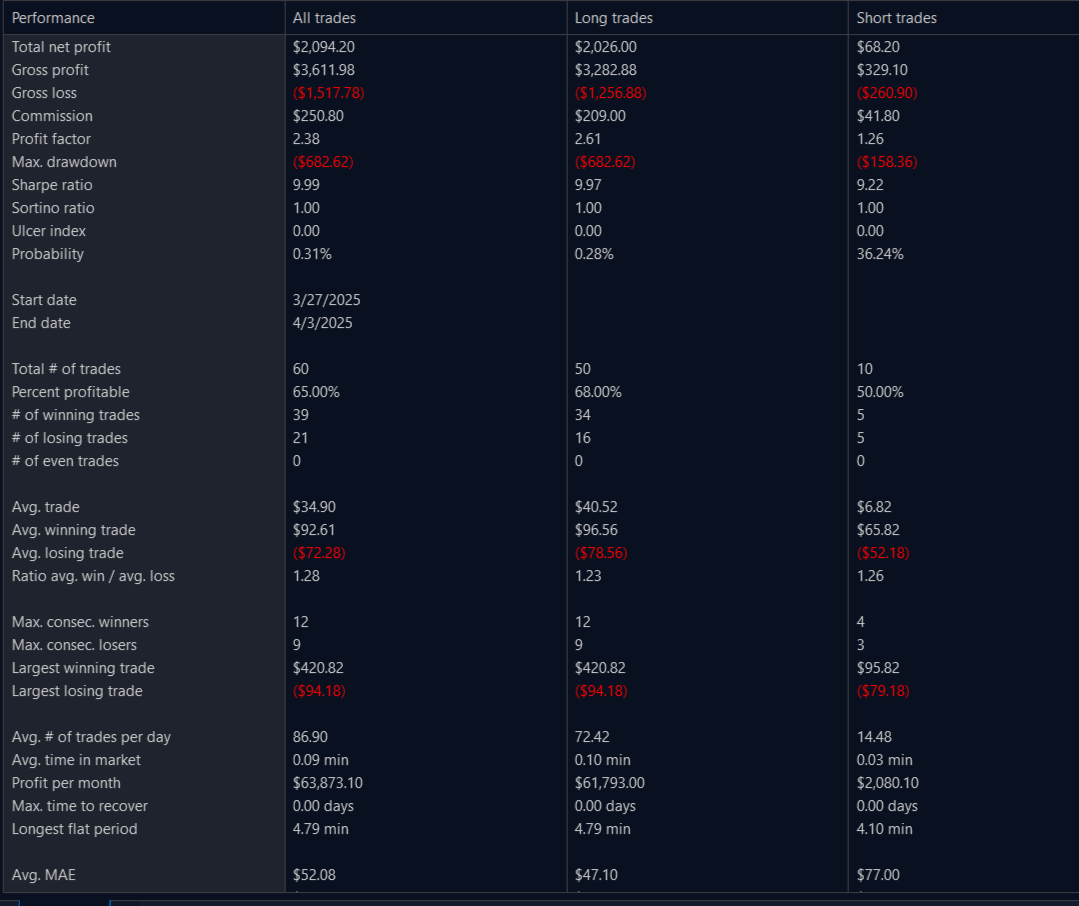
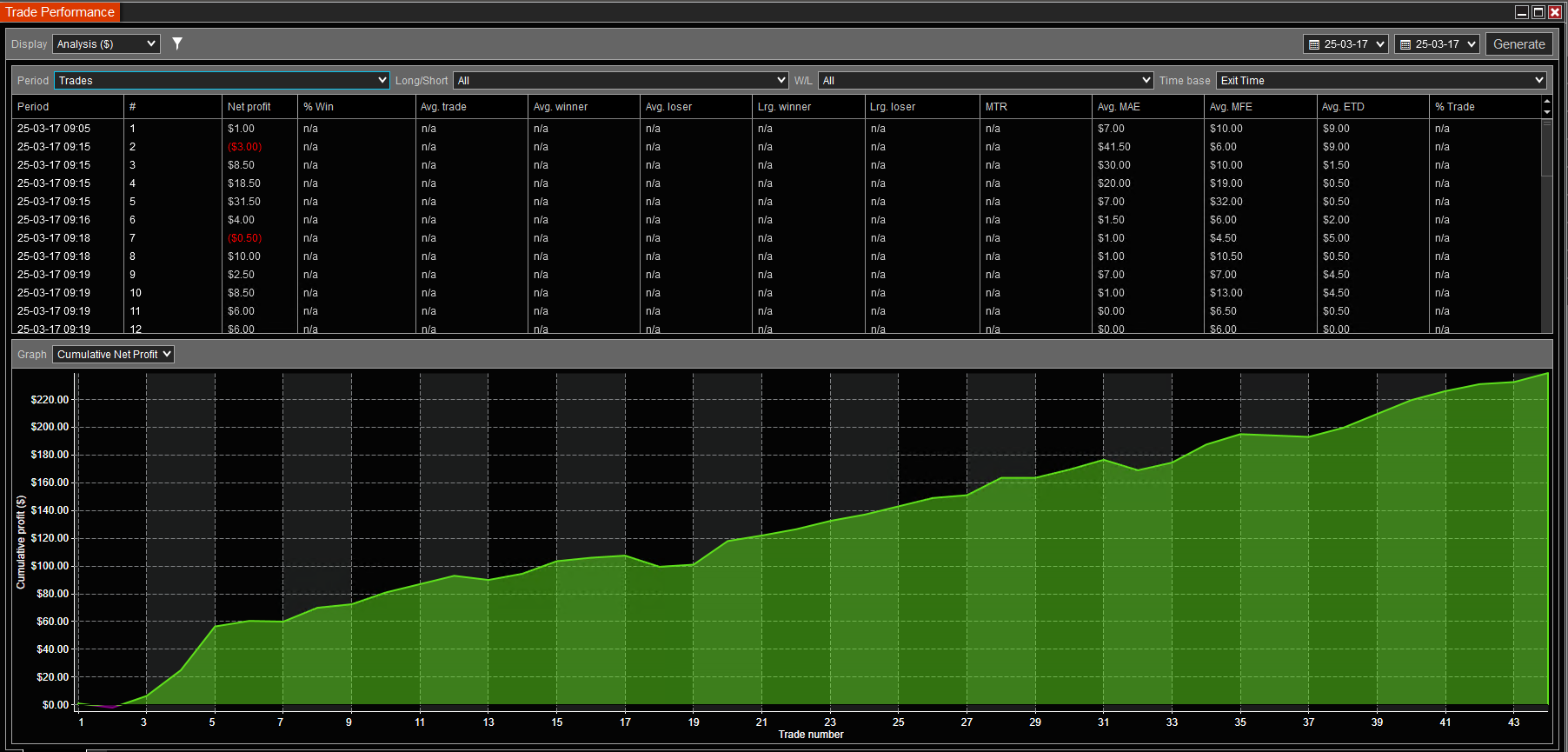
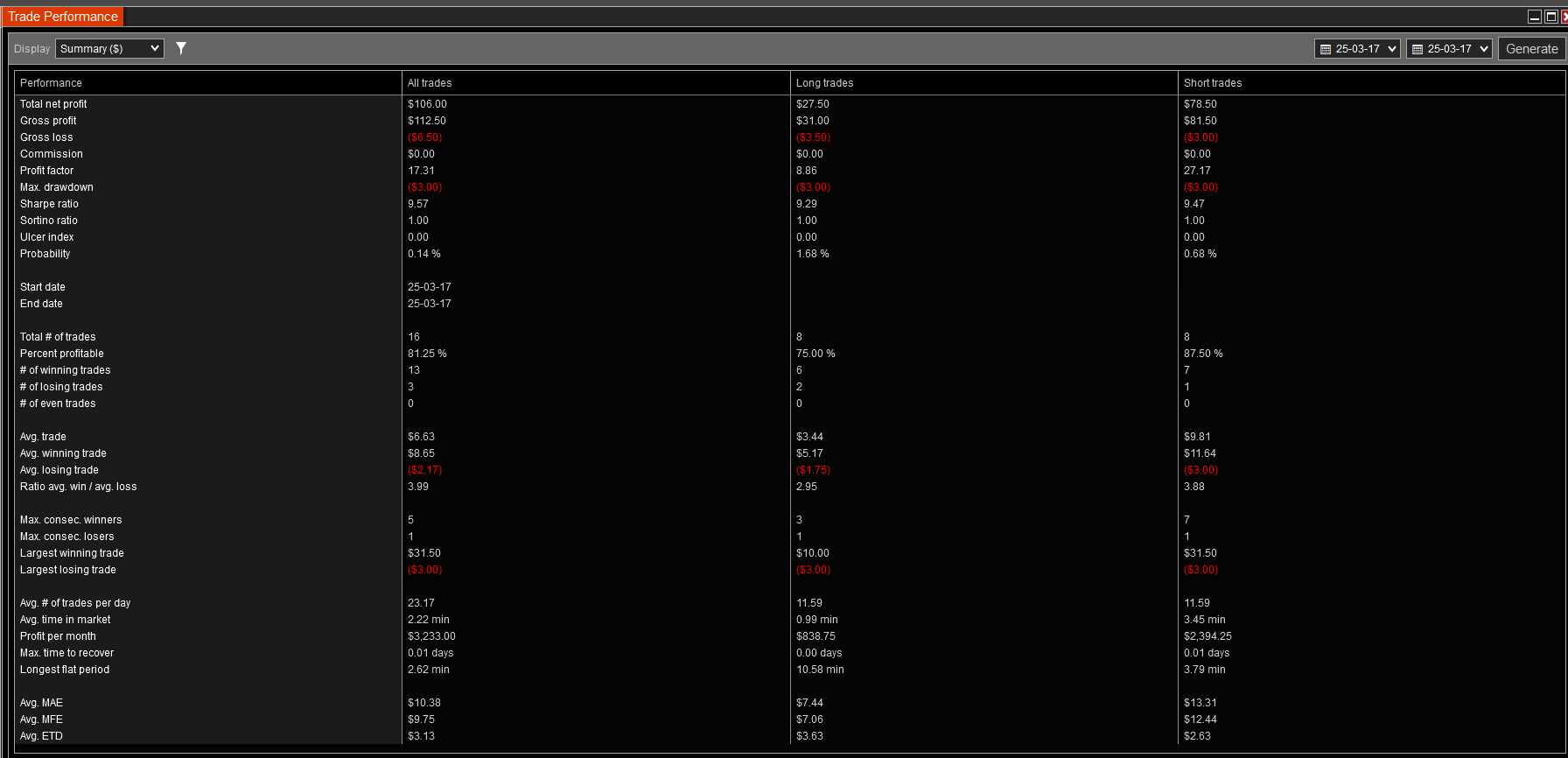
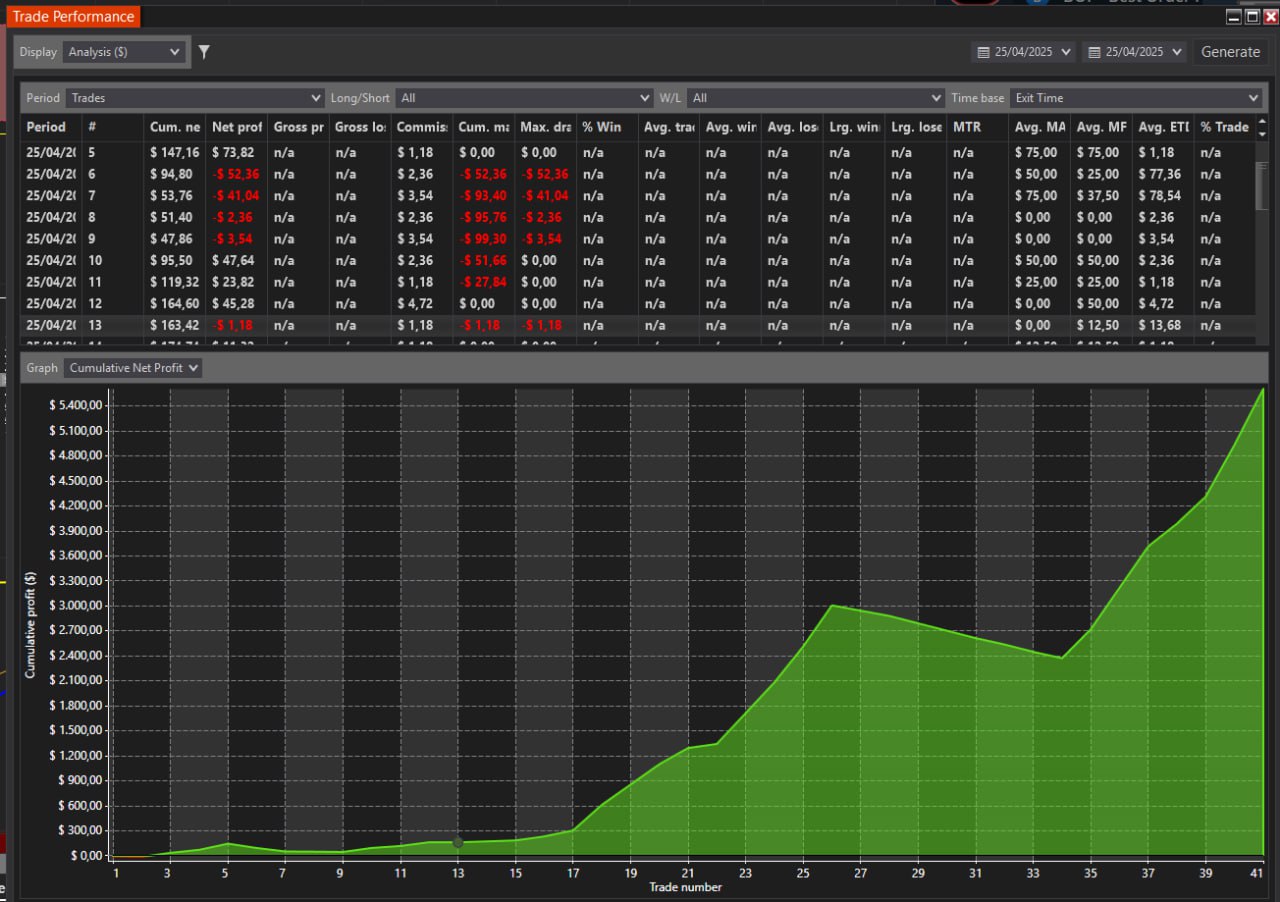
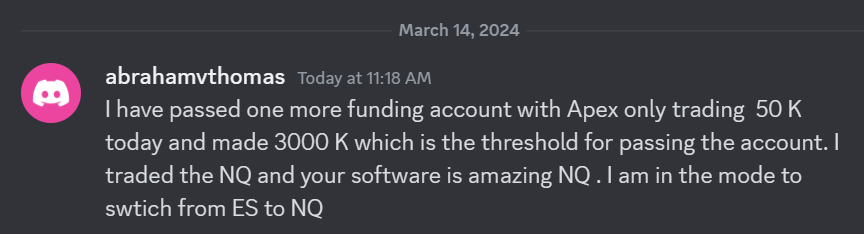 I have passed one more funding account with Apex Trading today and made $3,000, which is the threshold for passing the account. I traded NQ, and the Bestorderflow indicators are excellent for passing props.