ERRORS AFTER MBO INSTALLATIONS?
1) You decide to read instructions AFTER MBO installation. You installed the MBO indicator first, then got errors. And now you are frustrated. Do not request help from Admin BOF until you implement every instruction on this page.
Congratulations! You wasted your time, and you want to waste my time for support and troubleshooting. Stop being smart and implement User Guide section 3. Pre- Requarements. Do not skip any part of the instructions, even if you are an avid and experienced NT8 user.
You can experience out-of-the-box installation, and MBO indicators work with absolutely no errors if you.
1) Turn off all and every Antivirus, including Windows Defender, COMPLETELY OFF for easy and fast installation.
Yes, you can use any protection programs you want after MBO indicators are installed and working properly. Please configure your Antivirus and Online protection apps/ programs correctly by whitelisting these directories for NinjaTrader:
Whitelist folders:
1) C:\Program Files\NinjaTrader 8
2) C:\Users\<<Your Username>>\Documents\NinjaTrader 8\
3) C:\Users\<<<USERNAME>>\AppData\Local\Temp\7114e8ea-2fd5-46e6-bf7d-b91fb1638ae3
The complete article on how to whitelist and exclude MBO files and NT8 directories is here: https://bestorderflow.com/userguide/ninjatrader/antivirus
2) If you have existing NT8 installed,
a) please rename C:\Users\<<Your Username>>\Documents\NinjaTrader 8 to a folder name someting like MyPreviousNT8
b) Download the latest version of the NT8 and install it. Do not install NT8 over a previously installed version. Installing NT8 without other third-party indicators helps avoid interference with the indicators' DLL files. Otherwise, you should follow the instructions for removing duplicate files here.
3) After the latest NT8 installation ( not over the previous installation), please make sure that the Symbology Display Style is set to NUMERIC. If Symbology is set to anything other than Numeric, the NT8 will not run the MBO engine and MBO indicators correctly. Follow the instructions in Pre-Requisites for Symbology Settings over here
4) MBO indicators do not connect to your instrument, despite you having no errors of any sort? Most likely, the configuration in connection with the selected data source is incorrect. The MBO engine will work only on the connection named BOF MBO Rithmic NT, NOT on connections named Rithmic or Rithmic for NinjaTrader Brokerage. Yes - re-read the connection name again because it is easy to select the wrong one.
Notice: There is no need to set a secondary connection if you are using prop firms like Apex or Bulenof. Please disregard instructions for secondary connections. Only a few traders are needed in a special environment.
4) Another reason for an error is what you are entering as the username for starting NinjaTrader. If the username during login to NT8 entered with any deviation (not the same) as the one you provided on your account on bestorderflow.com, you will receive an error. For example, you are entering Uppercase instead of lowercase. You should not log in to NT8 with Google, Apple, Yahoo, or any email account as a username.
The username you use to log in to the NT8 Start window must be exactly the same as the NinjaTrader Username you entered on your bestorderflow.com account. No emails or Gmail logins are allowed, as explained in 1.7. Check NinjaTrader UserName here.
You must use the exact same username you entered on Account Registration as you use on the NT8 Log in form, and as shown below, Machine ID.
5)Your machine ID entered on your bestorderflow.com account with extra space or one character less. Please check the absolute accuracy of your machine ID; it must be entered exactly as is, with no extra spaces before or after.
6) Starting NinjaTrated not as Administrator - creates an error. Please always start as Administrator
7) Cleaning NT8 once a week or more often may help.
8) Don't forget that restarting the computer may help as well.
If you implemented everything on this page, please contact Admin BOF on Discord via Personal direct message, identify yourself using the email used for registration on bestorderflow.com, and provide screenshots of your errors.
Support provided only with Direct messaging with BOF Admin on the Discord here: Discord: https://discord.gg/2CJAuQ87GY
Saturdays are off.
I do not reply on Saturdays.
Thank you.
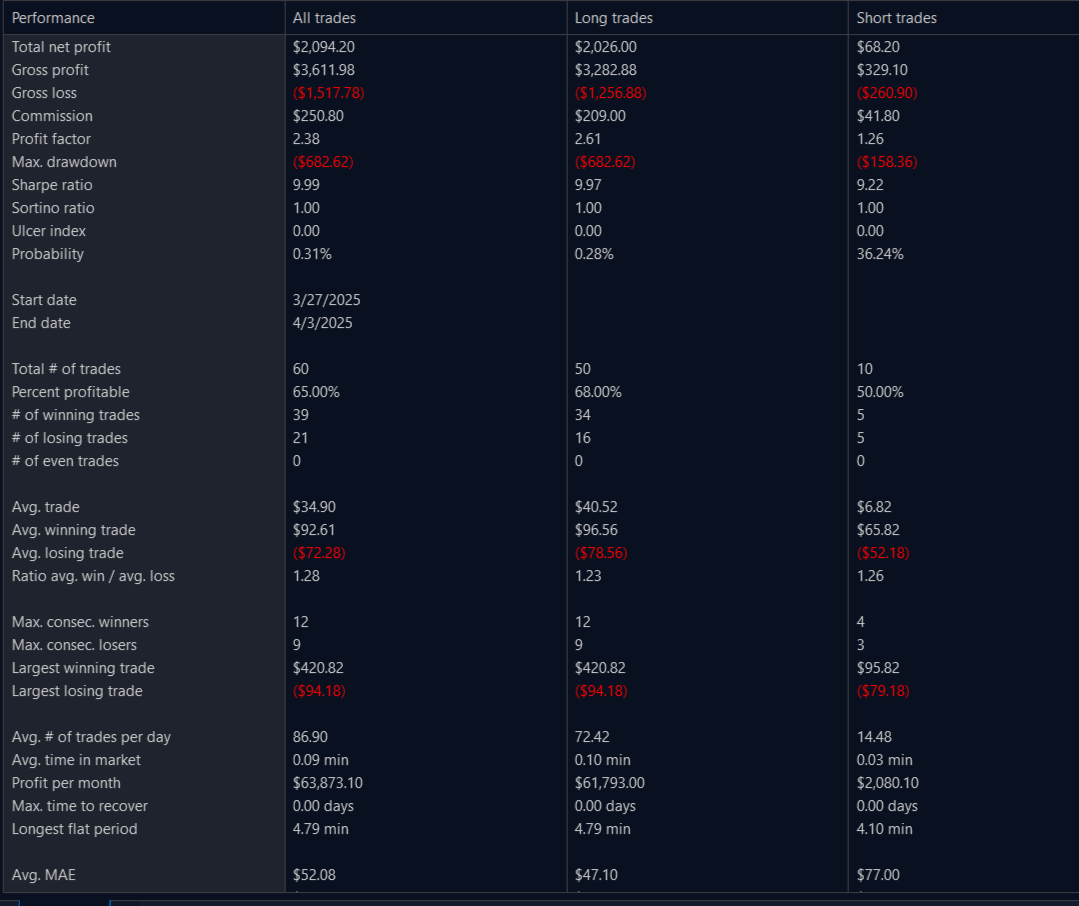
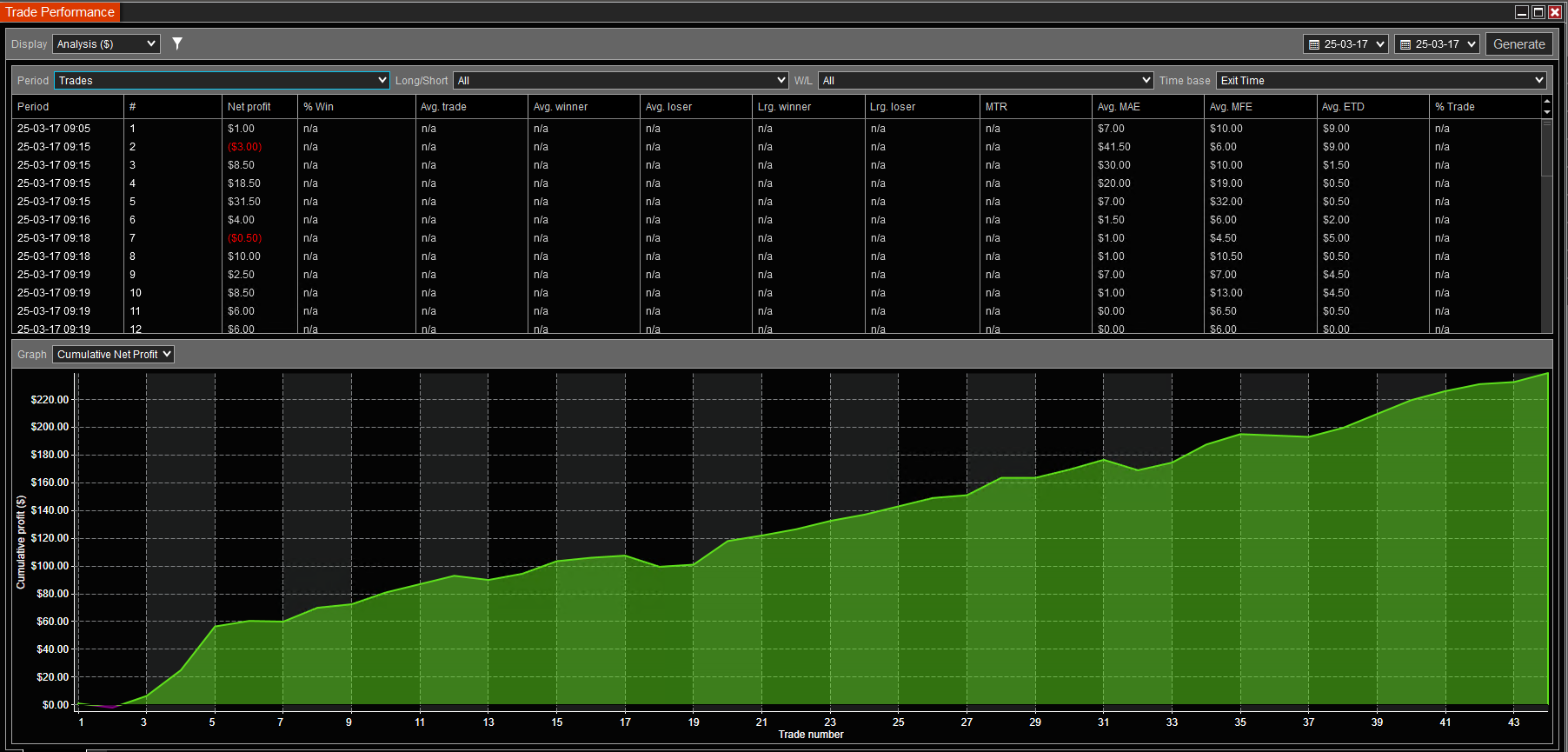
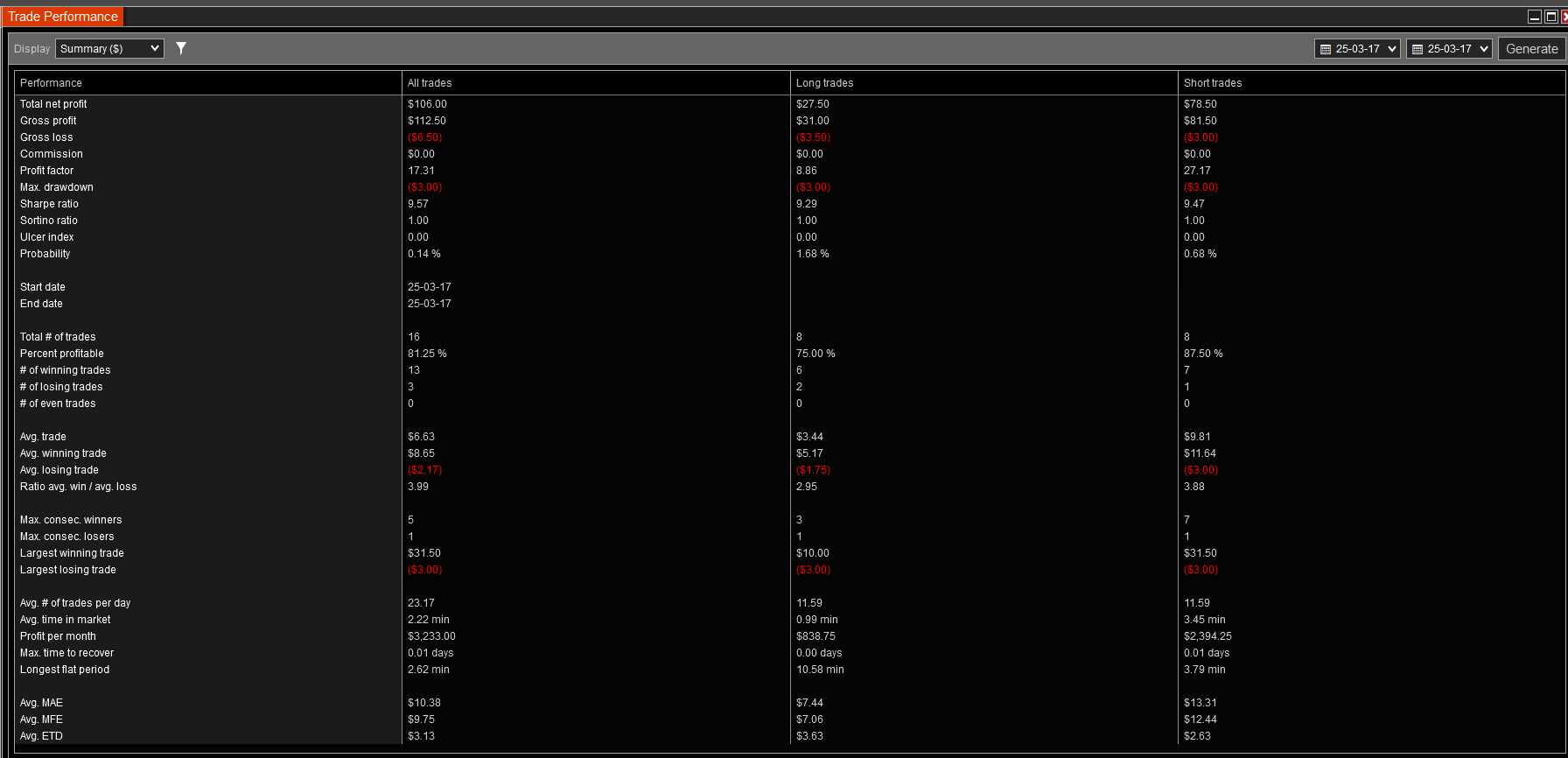
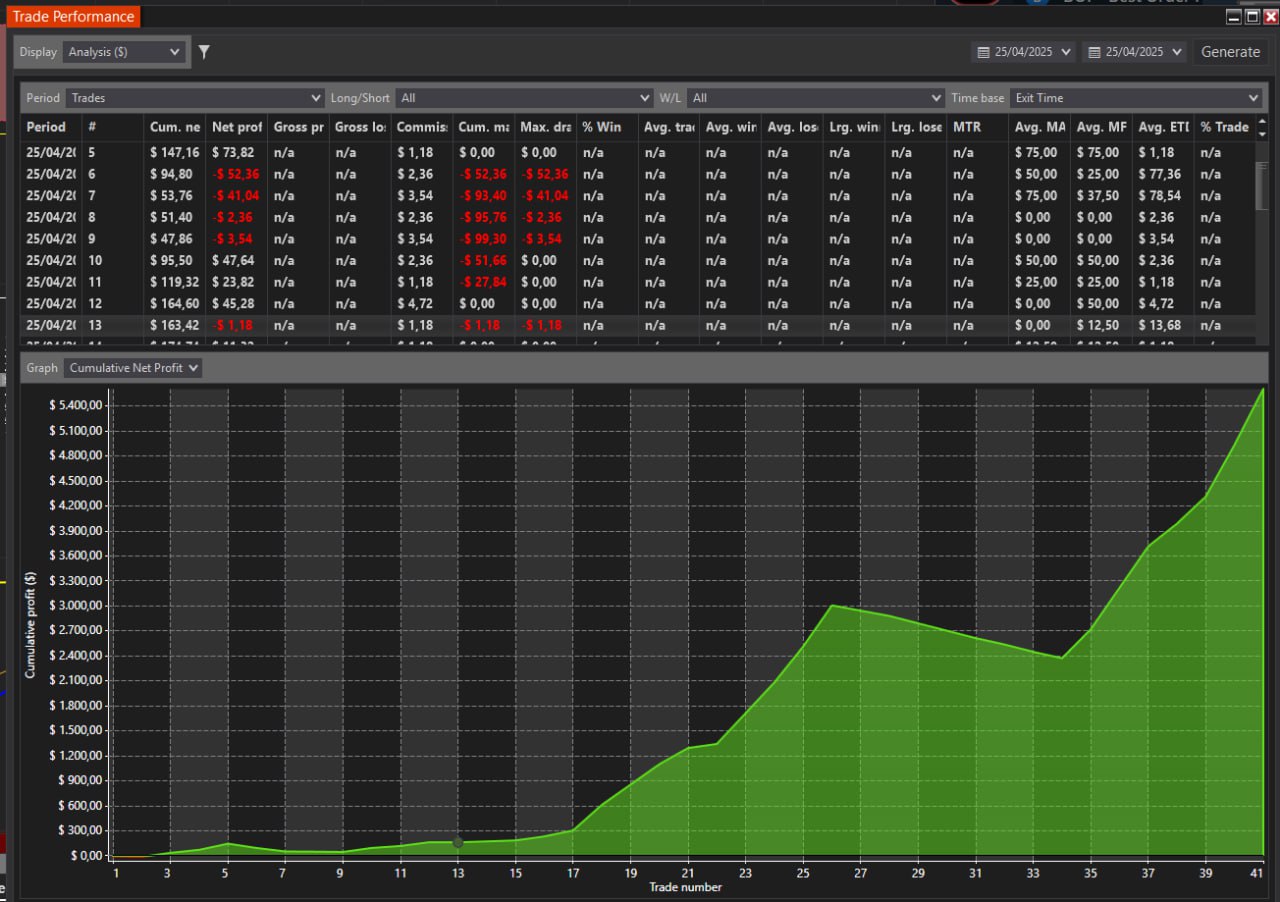
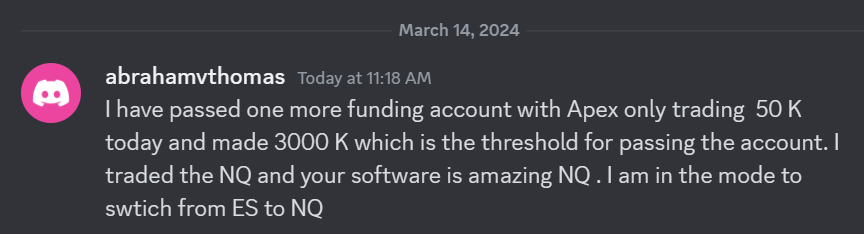 I have passed one more funding account with Apex Trading today and made $3,000, which is the threshold for passing the account. I traded NQ, and the Bestorderflow indicators are excellent for passing props.