LEDGER HEATMAP INDICATOR 

LEDGER Heatmap from bestorderflow.com is the only heatmap that works on the high-volatility NY open and does not freeze, unlike all others.

LEDGER Heatmap liquidity visualisation indicator is 10 times faster on the performance tests, and more advanced than any other known heatmap.
LEDGER Heatmap Bookmap NinjaTrader8


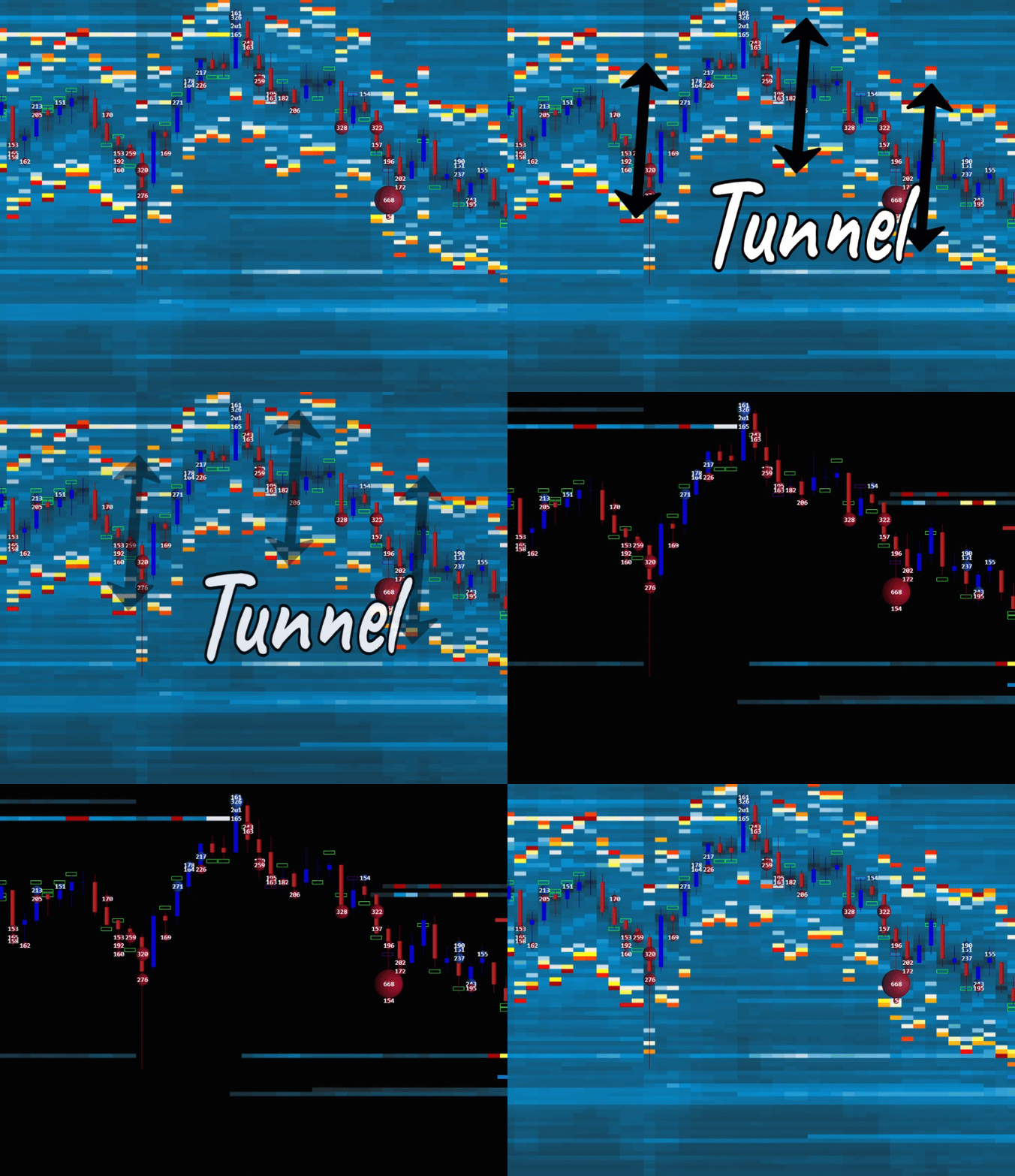
Tunnel MarketMaker Heatmap

What is Advanced LEDGER Heatmap: 
LEDGER Heatmap displays historical records of passive resting limited orders, represented by time and colors.

The best for trading options, futures, and stocks.  The Ledger heatmap visualises market depth data for level 2 passive limit orders on the order book. Used for Complete Order Flow trading by swing traders, day traders, and scalpers for precision entries. Designed to display the liquidity volume of an asset by color range. Support the evaluation of trading prop firms and master trading on proprietary firms and trading desk accounts. Ledger Heatmap is fully integrated with Footprint and Market By Order  (mbo) indicator on the same chart.  

LEDGER Heatmap displays liquidity and helps identify the strength of support and resistance price levels and zones. 

LEDGER Heatmap can be traded on any timeframe, including milliseconds, seconds, minutes, and hours, unlike some other old-coded heatmaps, such as Bookmap. 

Heatmap filters help to display immediate liquidity magnets for scalping and precision entries. 

There is a lot of noise and insignificant volume orders on the ES that create a "tunnel" effect, which is impossible to remove on the Bookmap.

Now you can easily remove unwanted Market Maker noise using advanced filters in our Ledger Heatmap. This is an advanced feature not available on any other Heatmap indicators. 


LEDGER HEATMAP SPEED AND PERFORMANCE:

The LEDGER Heatmapfrom BestOrderFlow is the true champion in speed and performance tests: it is the only heatmap that remains operable. In contrast, all other heatmaps freeze during the high volatility on the NY market open. 


Three other indicators froze after 8 minutes.

    • With every second chart delay, you lose at least $50 on 1 contract. Why should you?
    • Compare the performance of indicators on your charts
    Ditch out indicators that are not performing as champions.

Publicly Open Multi-Parameter Formula for Testing:

Data Lag Time - CPU waiting time

0 to 1 sec =    Good
1 to 5 sec =       Bad
5 + and more = Danger

Render Time
50 ms or less = Excellent
50 - 100 ms =       Good
100 - 200 ms =         Bad
200 and more =    Danger

FPS - Frames per second
Excellent = 20 or more
Good = 10-20
Bad = 5-10
Danger = 0- 5

Overall Results:
Excellent = plenty of resources
Good = be careful with ATR volatility
Bad = stop immediately
Danger = big losses

Can your Indicators survive a high volatility test?

 Here is what they never want you to know: 

  • Run the free Deposit Killer Indicator to find out objective data results.
  • Evaluate each indicator on your chart to assess its actual performance.
  • Trust only the data revealed in the comparison test during periods of high volatility.

1st USE HEATMAP RECOMMENDATIONS

1) Ensure you have a connection to the Level 2 data. 

2) Close all charts. Start a new NQ or ES chart on a 1-second timeframe
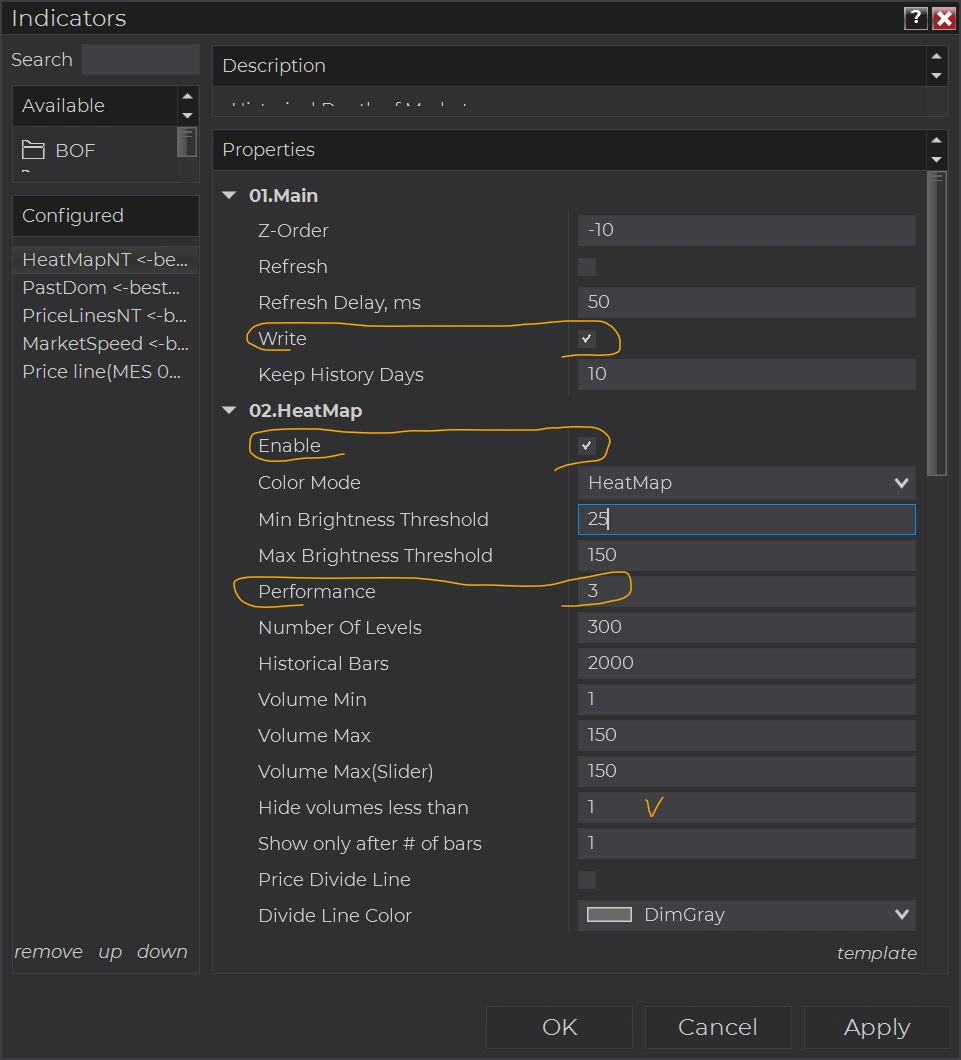
Heatmap initial preferences3) Ensure that Tick Replay is enabled in the Data Series.

4) Add LEDGER Heatmap on the chart. Use default settings: Volume Nin = 1, Hide volumes less than = 1, Ahow only after # bars= 1

5) Check the 'Write' box if you want to keep the historical Heatmap.

6) Use three or fewer days to keep history 

7) Set performance to 3 or 4 for less load on your computer's CPU. Setting performance to 1 produced crisper price levels, but it also increased the load on your CPU. 

8) Option 02. Heatmap "Enable" - does not impact the option, Wright. 

Option "Enable" - makes the Heatmap visually perform on that chart.

The "Enable" option can be disabled on the chart to conserve computer resources.

For example:

Use 1 chart to trade with options. The "Write" option is disabled to conserve resources. Option "Enable" is ON. 

The 2nd chart with the same timeframe and ticker as on 1st,  used only to "Write" the historical Heatmap without any interruptions.  Check "Write" and Uncheck "Enable."  

Refreshing the 1st chart with F5 or closing the 1st chart will not interrupt the historical recording of the Heatmap on the second chart.  

There are a few heatmaps for NinjaTrader, and the Ledger heatmap from bestorderflow.com is the only heatmap that keeps working during a high-volatility NY open and does not freeze, unlike all the others.  

LEDGER Heatmap is the only heatmap that works on the high-volatility NY open and does not freeze, unlike all others.

STRATEGIES WITH LEDGER Heatmap AND LEDGER:

Strategies used with indicators from the LEDGER Bookmap NT in combination with other  bestorderflow.com indicators

VIDEO + PDF MANUALS AND INSTRUCTIONS

Manuals / Instructions / Explainer about how to set up Heatmap, Heatmap Filters, Market Delta

Compare the old Heatmap from Bookmap and the new LEDGER Heatmap from BestOrderFlow.com.

2


Video 1: Step-by-Step Tutorial - How to set up and tune the Heatmap on any timeframe and any instruments.

Video 2: 

 Russian language Heatmap User Manual Play List link
 

Compare Heatmap from Bookmap with new LEDGER Heatmap

RESULTS

Taken from BOF Telegram and Discord community. 

abrahamvthomas
Verified user

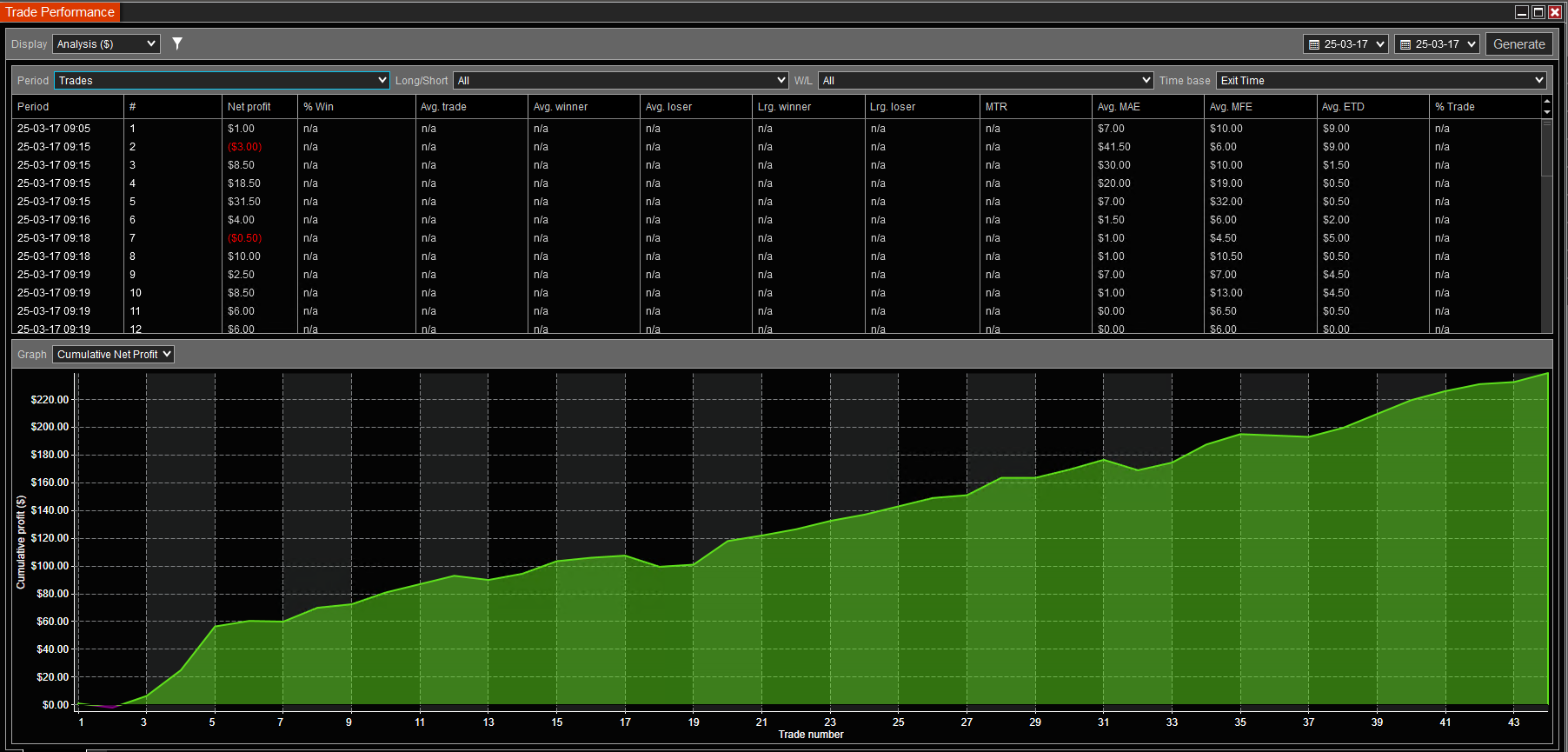
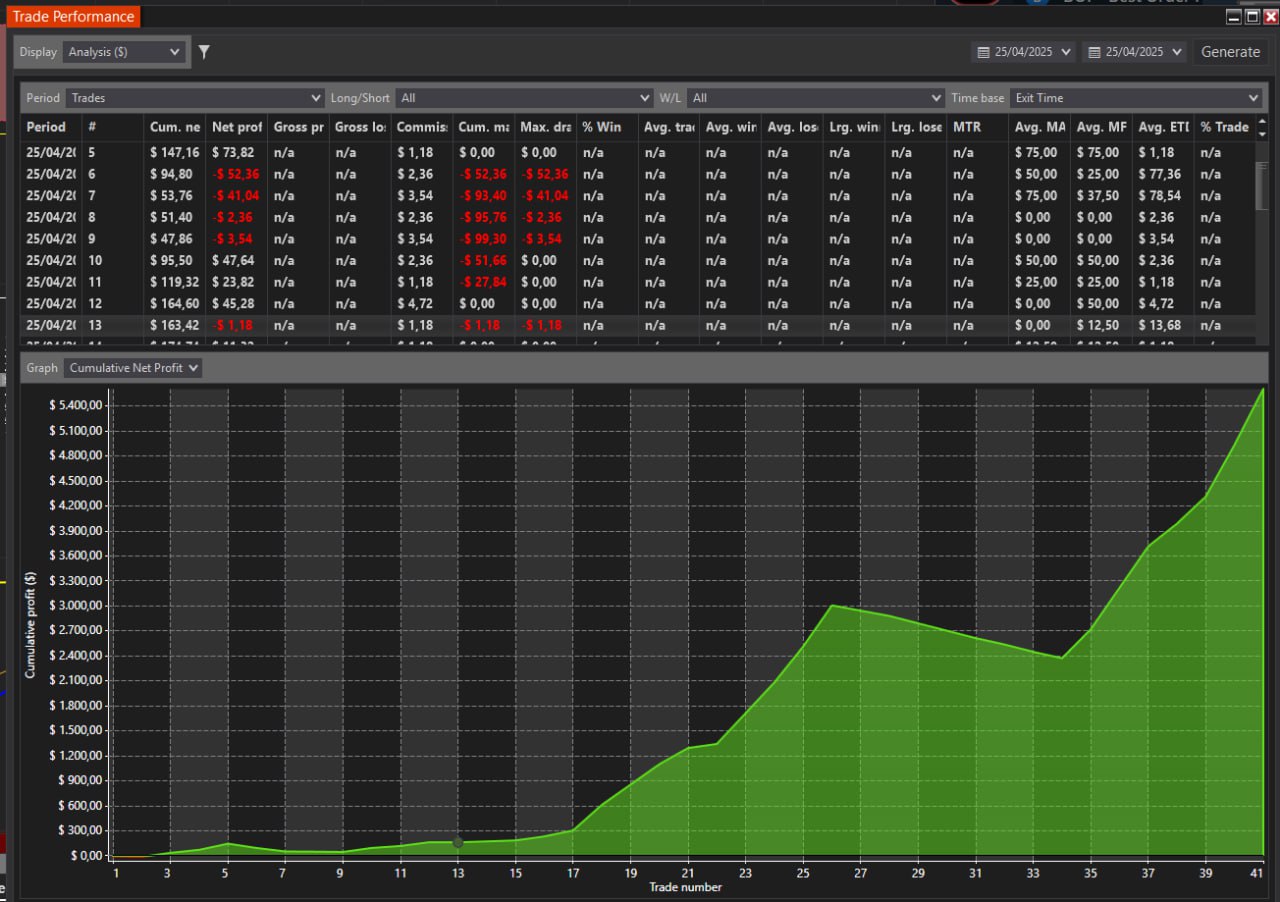
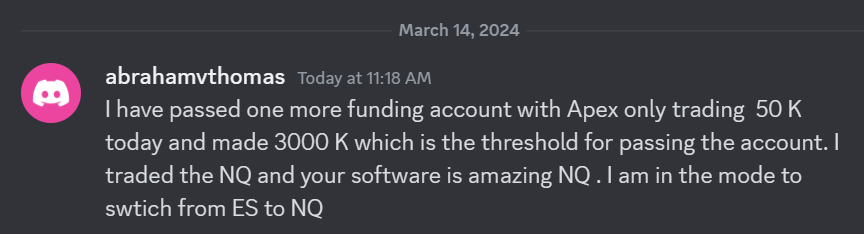
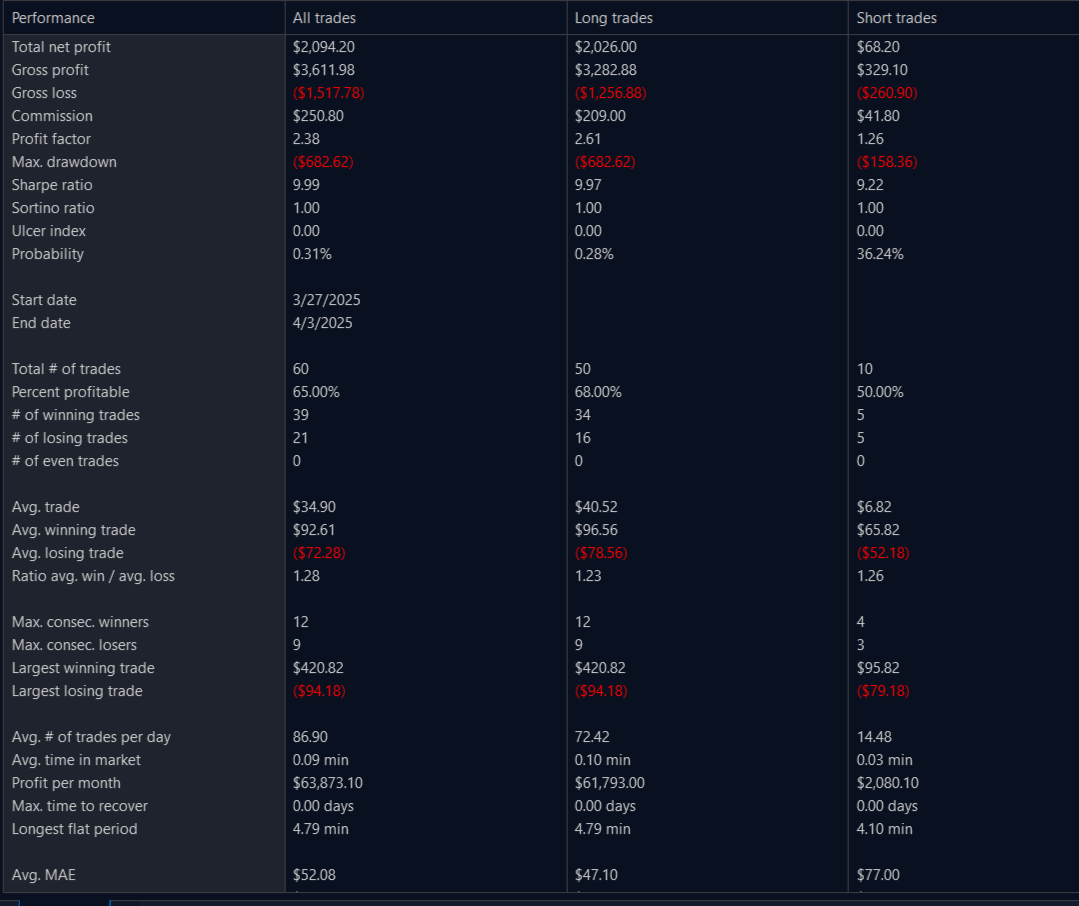
abraahamI have passed one more funding account with Apex Trading today and made $3,000, which is the threshold for passing the account. I traded NQ, and the Bestorderflow indicators are excellent for passing props.  
Garban
Verified user

The MBO Market By Order indicator displays liquidity in real-time. Now I can see if a Support or Resistance Level can hold or become weak. 

GARBAN 1

Fortunate
Verified user

Fortunate 85 Percent PrifitRate 2

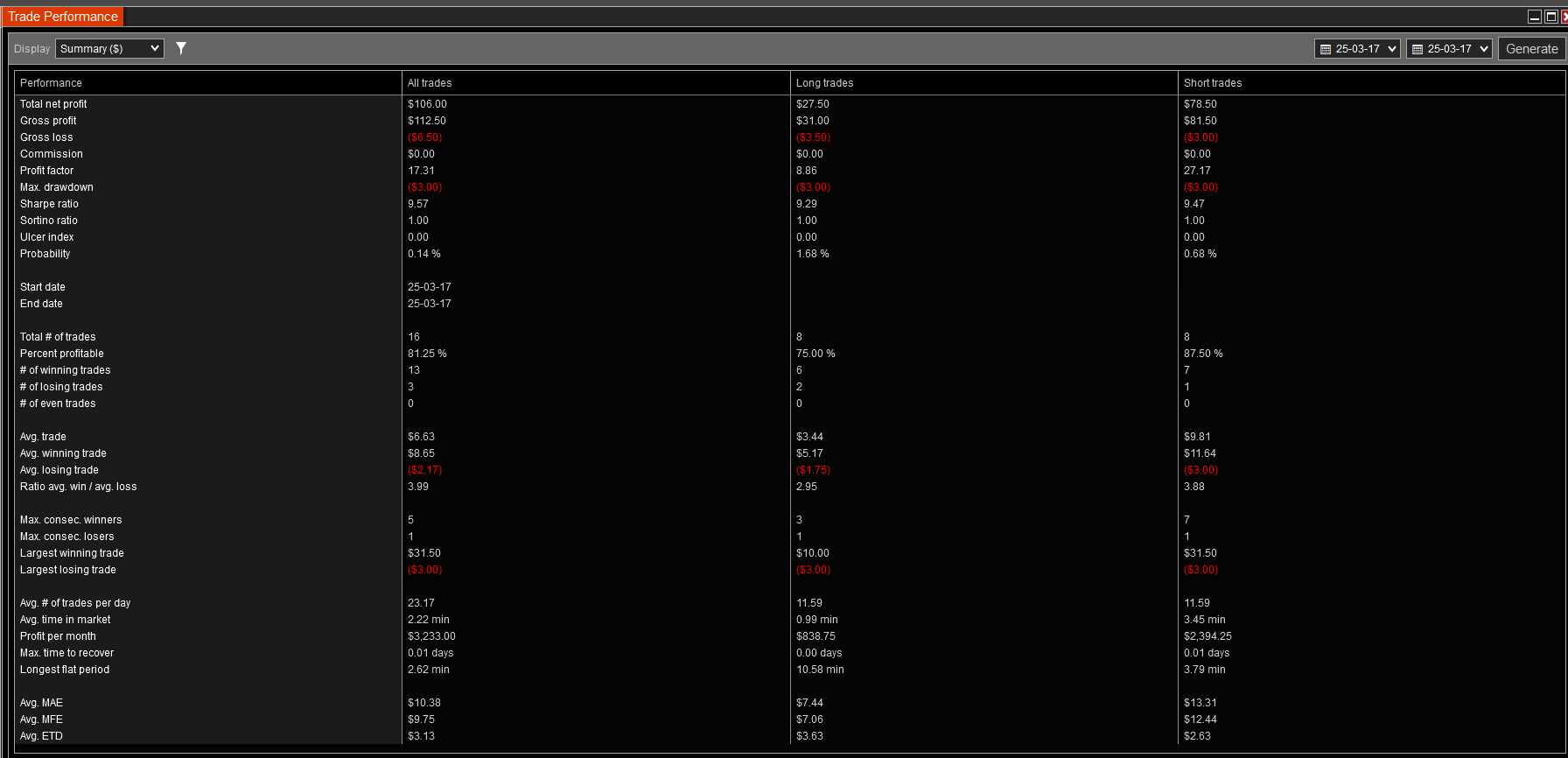
5minutes of trading 1305-1310 GC ES NQ 15s chart with MBO max DCA 2 contracts open. Done for the day

Fortunate 85 Percent PrifitRate 2Fortunate 85 Percent PrifitRate1

Leandro
Verified user

I have tested and used indicators from many other vendors. The BestOrderFlow indicators are the best set of indicators for the NinjaTrader platform. It is lightweight and presents information in a visually appealing manner. That makes a lot of difference in my trading. I love to trade with MBO Market by Order indicator. Feel free to connect with me, and I can provide you with hundreds of screenshots of my results, if you'd like. 
 Leandro 2 photo 2025 07 31 22 34 33

Leandro 1 photo 2025 04 20 19 13 22

Game Changer for my Results
Fortunate. Verified user.

As an active trader, I can't say enough good things about the BestOrderFlow Delta Level 2 indicator.  This set of indicators gave me an edge in my trading.  It's like having a crystal ball for market movements! The way it tracks the speed of buyers and sellers is incredible. I love how it shows who is dominating the market in real-time, which helps me make informed decisions quickly.

Whether it's spotting a reversal or riding the momentum, this indicator has been a game-changer for my scalping strategy. The visual cues are straightforward to understand, and the ability to adjust settings based on different trading sessions is a significant advantage.  If you're serious about trading and want that extra edge, this indicator is a must-have. Big shoutout to BOF Admin support and the team for making charts so easy to use and keeping NinjaTrader with BOF indicators super fast and responsive!  Your work has truly made a difference in my trading experience. Thanks a ton!
DM me on Discord for any questions. and see my results.

Dan Alec
Verified user
Feel the  Difference 

I am a trader with over 6 years of experience trading volume indicators on NinjaTrader.  Other third-party vendors that sell indicators for NinjaTrader are known for their poor quality and the difficulty of using their indicators, which can cause charts to become slow and sluggish.   

I no longer use any other third-party indicators, except  BestOrderFlow (BOF). BOF indicators are made professionally, and you can instantly feel the difference.

 Charts with BOF indicators run much faster and never freeze.

BOF has several simplifications over its competitor's footprint, which I appreciate. It is not only lightweight, but it just works flawlessly. 

BOF tutorials and educational videos are very informative and helpful. 

Regarding charts with BOF indicators, I appreciate how the information is organized and visually presented on the indicators.

Welcome to connect with me on Discord. 

Momentum trader
Verified user
Unparalleled Quality and Speed 

I have been testing BOF indicators for two months and getting shocking results. I am thrilled and excited as never before to trade. I am honest and have no financial incentives to influence my expression.

This Footprint is incredible. This Footprint indicator uniquely combines several other indicators, offering unparalleled quality and speed.

It's a testament to the programmer's expertise behind it, and I hold it in high regard. Yes, I am deadly serious in my feedback on using these indicators.

My primary motivation for writing about BOF indicators is my sincere desire to help traders grow their accounts faster.  I have tested and used many indicators from other well-known brands and found that BOF indicators perform more efficiently, providing a significant advantage in trading. 

Ed Garcia. 2025
Verified user.
My favorite indicators

I fell in love with BOF indicators from the very first day of use, and I highly recommend them to any trader. 

I traded the S&P 500 and Nasdaq for 4 years and used BestOrderFlow indicators for 12 months.

Through the use of BOF indicators, I achieved a significant improvement in my trading results. 

The visual presentation of the complex data provided by bestorderflow indicators helped me to make my entries and exits much faster and safer than ever before. 

Charts with BOF indicators run much faster and are very informative.  In my day trading, I use BOF Footprint, Market Speed, Delta Profile, Pulling and Staking on Dom, Heatmap on the past Dom. 

I use BOF video tutorials and PDF manuals to set up each indicator the way I need for my trading setups. 

Please feel free to contact me if you have any questions. 


Mega Sale

MEGA SALE: 

Coupons applicable only once:
Yearly 1st payment and Lifetime payment. 
40% discount coupon ends January 17: FIRST40  
35% discount coupon ends January 24: FIRST35  

Limitations:

  • Coupons do not apply to any monthly subscriptions.

Premium Quality

  • Fully Integrated indicators
    Level 1+ Level 2 + Level 3 data
  • Speed tested on high ATR and extreme volatility:
    Footprint, Heatmap, PastDom, MBO DOM, MBO Icebergs 
  • Compatibility performance:
    All indicators run on the same chart without interference and delay.
  • Optimized for high-speed automation and HFT trading

Compare Packs and subscriptions

Remember: Among several heatmap indicators, we tested the Ledger heatmap from bestorderflow.com, which is the only one that keeps working during critical times during a high-volatility NY open and does not freeze, unlike the others.

Contact and Support

- FREE Support only if you qualifyed users
- Paid Support for discqualifyed users 

Learn here How to Qualify or Disqualify for FREE support

Contact for general questions:
Monday-Friday 8 AM - 5 PM Pacific Time

Connect on Discord link  Connect on Telegram link 

We are off for the weekend: Saturday and Sunday - off. 

SUPPORT CHANEL: 
Support provided only with Direct messaging with BOF Admon on the Discord here: Discord: https://discord.gg/2CJAuQ87GY

Please do not use Telegram for support. 

Got problems and need additional support?

Did you try to fix your problem on your own before seeking help? 
Our How To User Guide is a comprehensive collection of solutions for almost any issue or problem you may encounter. Try to solve them on your own before addressing them with BOF Admin. 

GET SUPPORT PROPERLY:

Before contacting our support with any issue or problem,
Please follow the How To User Guide links with solutions for:

- Requirements for the NinjaTrader platform
- Requirements for a PC computer 
- Requirements for Time Synchronization
- Requirements for Internet Connection
- Solutions for your account on this website
- Solution for Machine ID and activation
- Solution for BOF indicators installation
- How to Uninstall , Remove or Delete BOF indicators
- Troubleshooting checklist
- Errors on NinjaTrader

Request support and assistance from BOF Administrator only after you have gone through:
- Troubleshooting checklistTroubleshooting checklist
- Preparation for getting support checklist Preparation for getting support checklist

The first question you're going to get from the BOF Administrator is: 
Did you review the Preparation for Support Checklist and the Troubleshooting checklistTroubleshooting checklist

Contact with general questions about BestOrderFlow Indicators:

Connect on Discord link  Connect on Telegram link 

Join our Discord community of traders practicing BestOrderFlow indicators technologies:

Reasons to join our community:

- See real results by community members
- Get direct support from the BOF Administrator
- Attend Live Support Q and A on webinars every Monday at 7:00 PM Eastern Time, 4:00 PM Pacific Time
- Download Manuals and user guides for indicators
- Download ready-to-use templates
- Learn Trading strategies.
- Community of traders

The main difference

We build professional-grade indicators for speed and performance:

  • BOF - BestOrderFlow is the first to release the MBO Market By Order DOM for trading on NinjaTrader charts. 
  • BOF - BestOrderFlow is the first to release Depth of Market Dom and Heatmap NT, which does not freeze during periods of high volatility and ATR

    The Ledger heatmap is the only professional-grade heatmap that keeps working during critical times during a high-volatility NY open and does not freeze, unlike the others.

  • We tested all third-party indicators, including BOOKMAP and other Heatmap(s), and based on solid data tests, discovered their insufficiency in speed and accuracy in performance during extreme volatility. 
  • We tested other third-party Icebergs and found that their nature of Icebergs is based on calculations of level 2 data instead of level 3 data.
  • True icebergs can be built only on Level 3 data, such as Market by Order (MBO)
  • Compare Heatmap from Bookmap with new LEDGER Heatmap

Complete Orderflow paks of Indicators:

Most traders don't know:

If your automation is based on slow and not tested on speed indicators, it is a waste. 

Build automation based on BestOrderFlow super-fast indicators to outperform: 

  • Bots,
  • Algos,
  • High Frequency Trading, NinjaTrader Strategy
  • Automation built with BOF indicators outperforms automation built with any other "Lego" type of software for NinjaTrader. ( pending access to data for automation) 

The highest level of performance on the competition test

We are no longer naming our Package 3 as Bookmap NT. Our new name for Package 3 is LEDGER

LEDGER NT is a record of interactions between all market participants, including both aggressive orders and passive orders. The term LEDGER is a better description of interactions between level 1 data, level 2 data, and level 3 data orders. 

Compare Heatmap from Bookmap with new LEDGER Heatmap